


Reply To: Change character preference settings for all documents in a book


This article was last modified on January 20, 2010
This article was first published on
Commenting is easier and faster when you're logged in!

Recommended for you

Managing Editor Inc. Releases AdForce 5
Managing Editor Inc. (MEI), an Adobe Systems portfolio company and a leading pro...
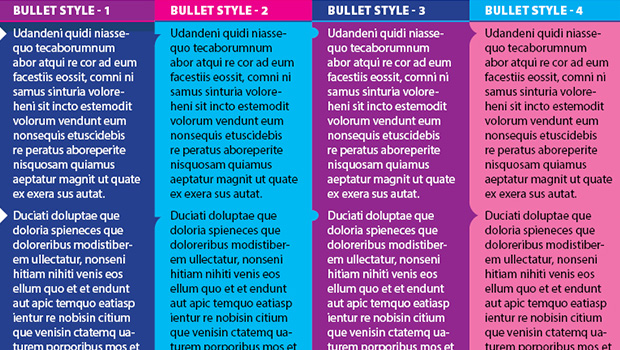
Making Bulleted Text Without Bullets in InDesign
How to use Paragraph Shading and Paragraph Rules to simulate bullets at the star...

New Features in Photoshop 2025
New features in Photoshop 2025 including powerful new ways to select, mask, and...