


Reply To: InDesign/Photoshop CS5 images downsized when using "place" command


This article was last modified on November 20, 2012
This article was first published on
Commenting is easier and faster when you're logged in!
Loading comments...

Recommended for you

Article
Accessibility Tips for Presentation Designers
Use these quick, no-stress fixes to make your slides more accessible.
Article
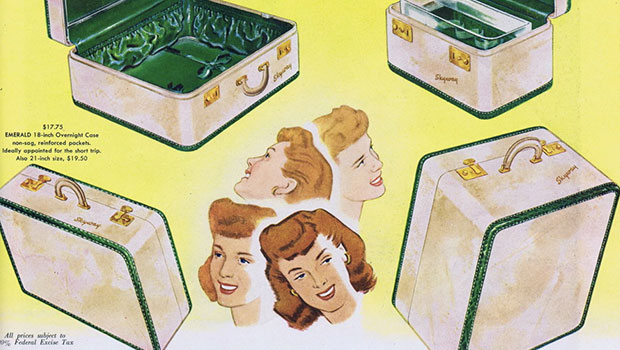
Scanning Around With Gene: Carrying Around Life's Baggage
I am one of those people who carry around a lot of excess baggage, literally and...

Article
New Contest! The Text That Wouldn’t Move
Hey folks, it's time for another InDesign mystery that you can solve for a chanc...