




This article was last modified on January 10, 2012
This article was first published on
Commenting is easier and faster when you're logged in!

Recommended for you
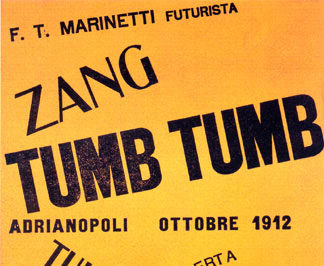
dot-font: Avant-Garde Page Design
dot-font was a collection of short articles written by editor and typographer Jo...

Why “No Break” is better than a line break
Here's a clear example of why using "No Break" to keep an email address from wra...

Ten Low-Cost Productivity-Boosting InDesign Add-Ons
The old adage about having to spend money to make money often falls on deaf ears...