




This article was last modified on October 1, 2017
This article was first published on
Commenting is easier and faster when you're logged in!

Recommended for you

Acrobat How-to: Softproofing PDFs with Acrobat's Preflight Tools
While preflight is usually the bailiwick of prepress houses sending files to pri...

Scaling vs. Resizing in InDesign CS3
We've been getting a lot of questions from folks who?ve upgraded to CS3, asking...
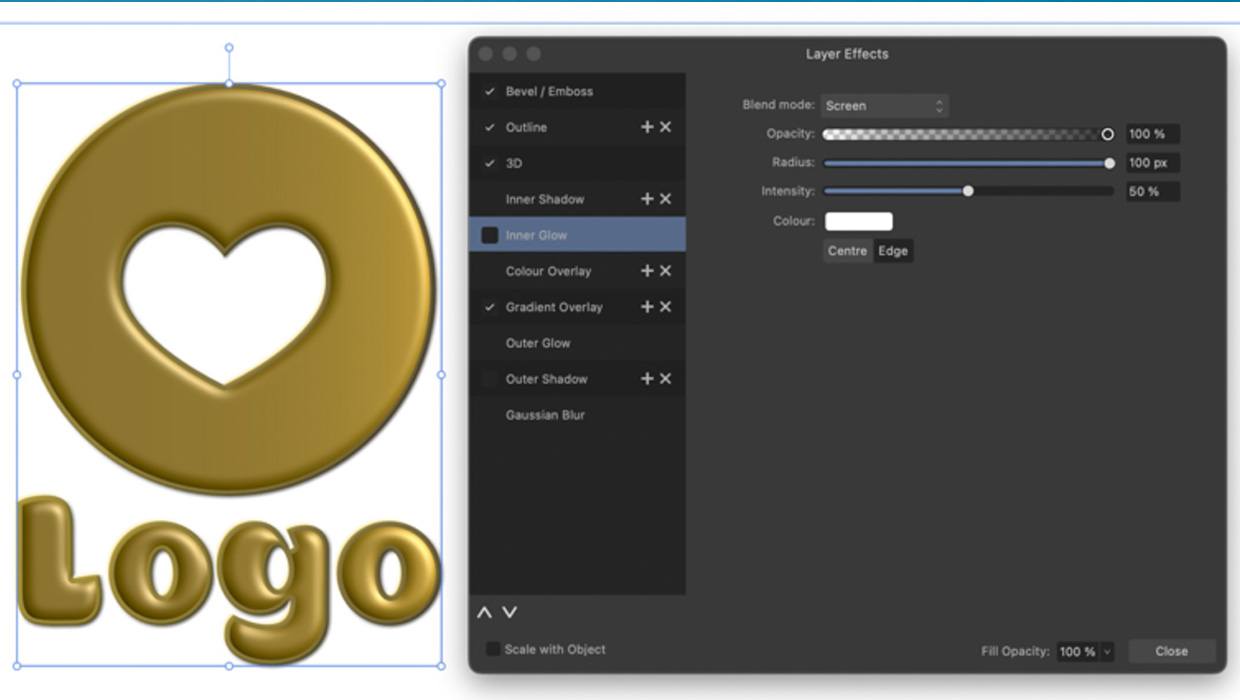
Using Quick FX in Affinity Designer
Learn how to stylize objects in Affinity Designer with effects like Bevel/Emboss...