



This article was last modified on June 9, 2017
This article was first published on
Commenting is easier and faster when you're logged in!
Loading comments...

Recommended for you
Article
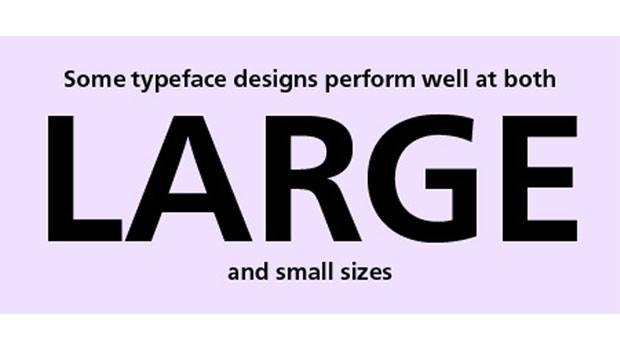
TypeTalk: Font Sizing Guidelines Part 1, Design Characteristics
Q Are there any guidelines for selecting fonts for use at a range of sizes? A. I...

Article
P3Software Announces Expanded Procurement Evaluation Features
P3Software, the leading provider of procurement software for print, announced th...

Article
Picturehouse is Back in Chicago
Spring is quickly approaching and so is Picturehouses' return to Chicago on Wedn...