




This article was last modified on May 17, 2017
This article was first published on
Commenting is easier and faster when you're logged in!
Loading comments...

Recommended for you
Article
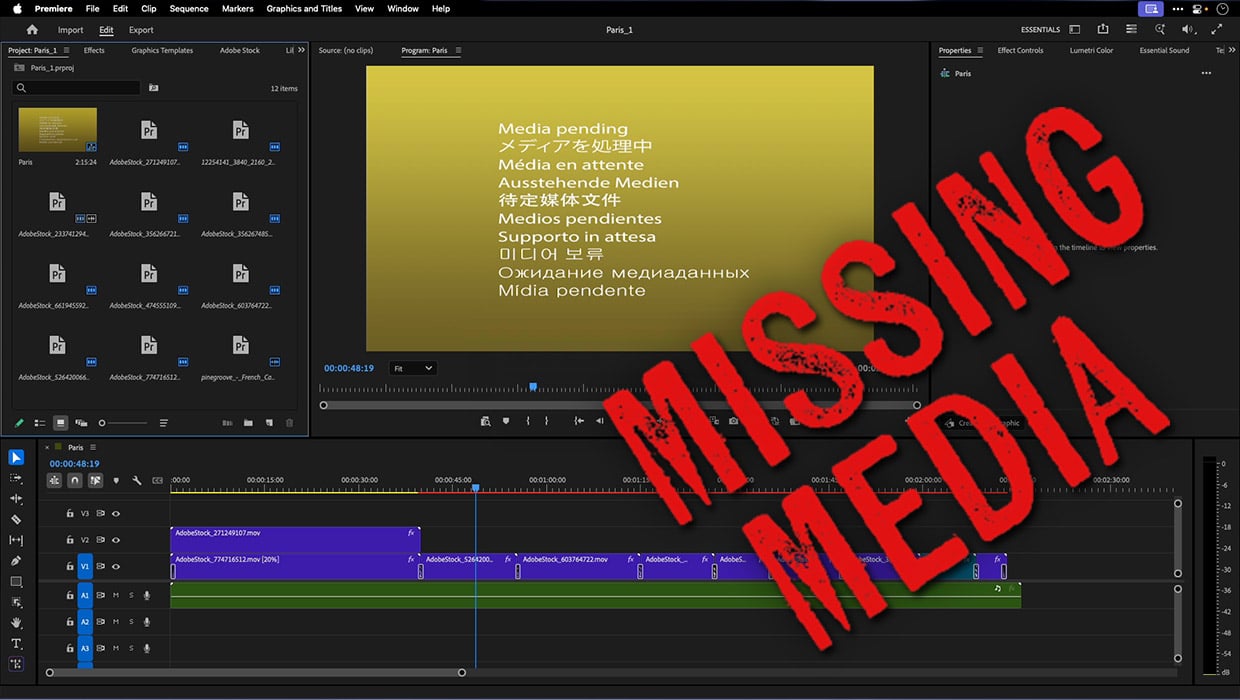
How to Fix Missing Content Problems in Premiere
Learn what the media warnings in Premiere mean and how to address them

Article
Interview with Cass Taylor, Presentation Expert and Brand Strategist
Q&A with Cass Taylor, who is presenting at the 2026 Presentation Design Conferen...

Article
Understanding InDesign’s Place PDF Options
A colleague contacted me recently with an issue that was stumping her. She was t...