




This article was last modified on February 8, 2017
This article was first published on
Commenting is easier and faster when you're logged in!

Recommended for you

How to save and restore InDesign CC document versions easily
GoVersion is an add-on that allows InDesign users to easily review and restore p...

Book Page Extents
The script shows the page counts of each document and the total number of pages...
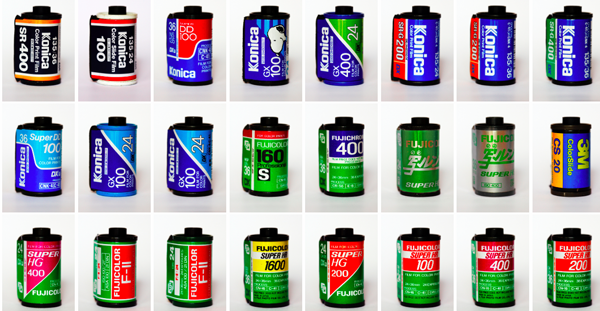
Capture the Look of Classic Analog Photography With VSCO Film Emulations
If you were an avid photographer in the analog days, you probably had a few favo...