


Reply To: Custom Chapter Breaks


This article was last modified on January 27, 2017
This article was first published on
Commenting is easier and faster when you're logged in!
Loading comments...

Recommended for you
Article
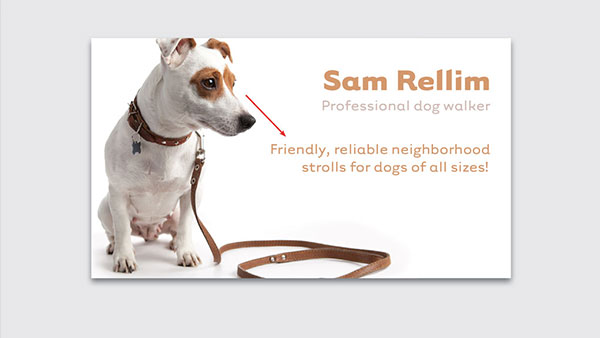
Designing Business Cards, Part 1
Designing with photos effectively goes far beyond choosing a nice image. Every p...
Article
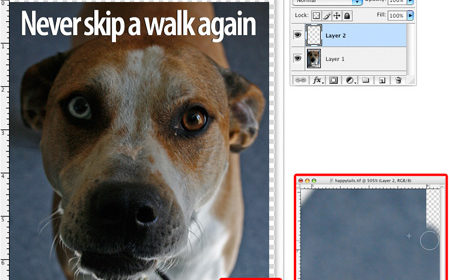
Using Bleed for Print Design
Based on an article originally published in the DesignGeek e-zine. One of the fi...

Article
This Week in InDesign Articles, Number 12
Nine links about InDesign you ought to check out when you get a chance.