




This article was last modified on August 12, 2015
This article was first published on
Commenting is easier and faster when you're logged in!

Recommended for you
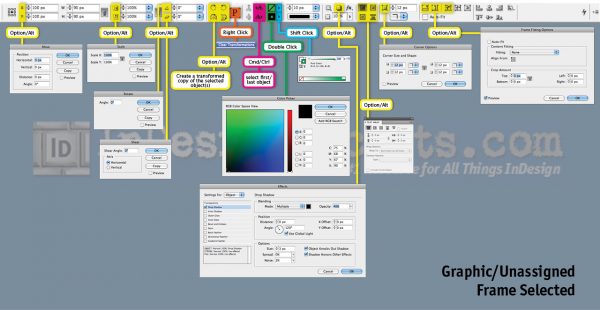
Secrets of the Control Panel Revealed
The Control panel is teeming with hidden shortcuts to other panels, preferences,...
How to Add and Edit Text in Photoshop
Learn the different ways to add text to your Photoshop document and how to edit...

Turning RGB Black to CMYK Black
I assure you I have nothing up my sleeves, but I’m about to do a magic trick: Tu...