




This article was last modified on April 21, 2015
This article was first published on
Commenting is easier and faster when you're logged in!

Recommended for you

Creating Proper Primes
How to type feet and inch marks and then use GREP styles to automatically format...
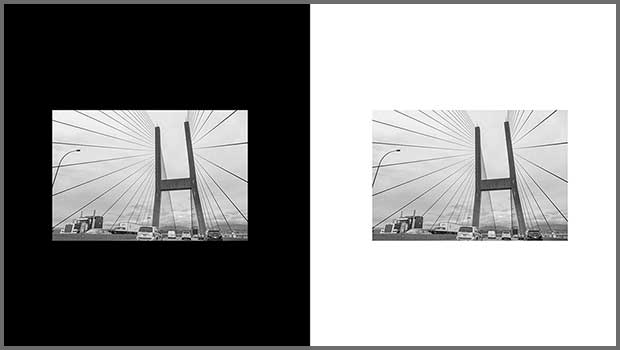
How to Perceive Brightness More Accurately
Learn how to control the key factors that can affect how you perceive brightness...

K4 Cross-Media Publishing Platform Version 6 Now Available
Press release Managing Editor Inc. (MEI), an Adobe premier development partner a...