




This article was last modified on September 12, 2024
This article was first published on
Commenting is easier and faster when you're logged in!

Recommended for you

Better PDF Conversions to Excel and Word Every time with the Able2Extract 3.0 PDF Converter
Investintech.com Inc. is excited to announce the release of version 3.0 of its A...
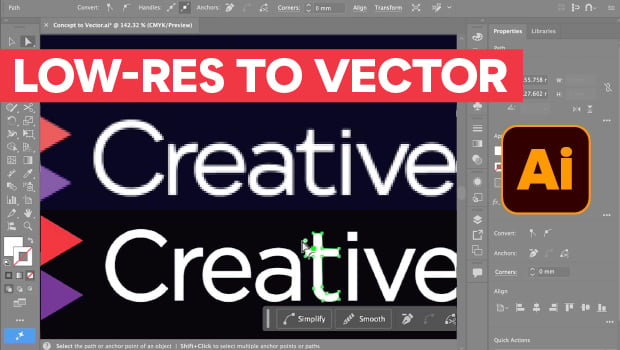
Transform a Low-Res Logo to Vector with Illustrator
Sharpen up a low resolution image using the Concept2Vector tool in Illustrator.

Comprehensive Enhancements with SoftCare K4 Version 5.7
Version 5.7 of publishing solution SoftCare K4 is now available. The new release...