



This article was last modified on April 7, 2022
This article was first published on
Commenting is easier and faster when you're logged in!
Loading comments...

Recommended for you
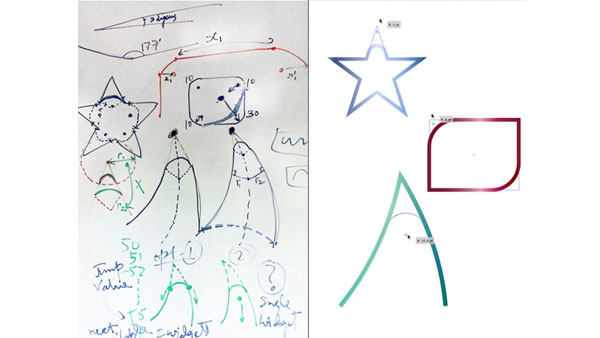
Article
Behind the Scenes at Adobe
If you use a certain application day in and day out, you develop your own top 10...
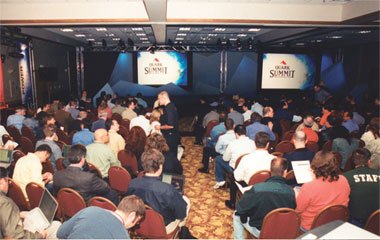
Article
Quark Customer Summit: New Attitude at a High Altitude
In an effort to breathe fresh air into its customer relations, Quark recently he...

Article
InDesign Template: Novel
This template is in letter-half format (5.5" × 8.5"), and it comes with front ma...