



This article was last modified on September 1, 2020
This article was first published on
Commenting is easier and faster when you're logged in!

Recommended for you

Don’t Get Flummoxed at the Fork
[Editor's note: This is the fifth in the Denizens of the Creative Hinterlands se...
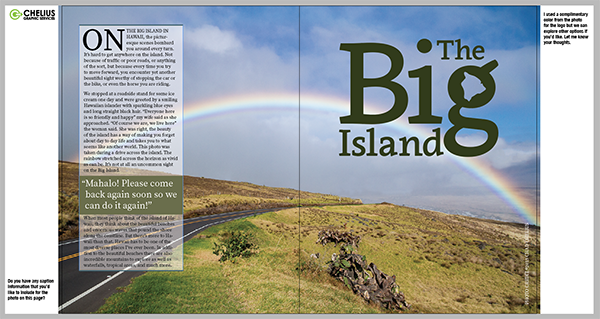
Adding Client Notes in PDFs From InDesign Using the Slug Area
The slug area in InDesign is one of the most underutilized and misunderstood fea...

Universe Software Presents pdf-FieldMerge 4.0
To create filled in PDF forms which are still editable, that is the aim of pdf-F...