



This article was last modified on March 20, 2019
This article was first published on
Commenting is easier and faster when you're logged in!

Recommended for you

How to Share Photos to Social Media Sites from Lightroom
The old-fashioned part of me wants to say that social media is a distraction, an...

Importing Word Styles Only
Use this quick workaround to import Word styles into an InDesign document. (Yes,...
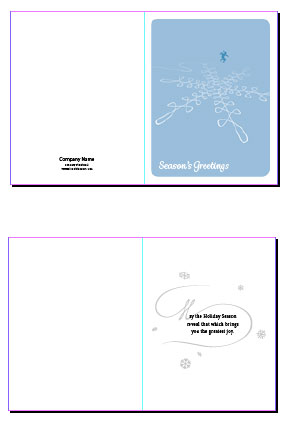
Premium Member Benefit: Greeting Card Templates
Time for another exclusive template for our Premium members! (Not a Premium memb...