




This article was last modified on May 8, 2018
This article was first published on
Commenting is easier and faster when you're logged in!
Loading comments...

Recommended for you
Article
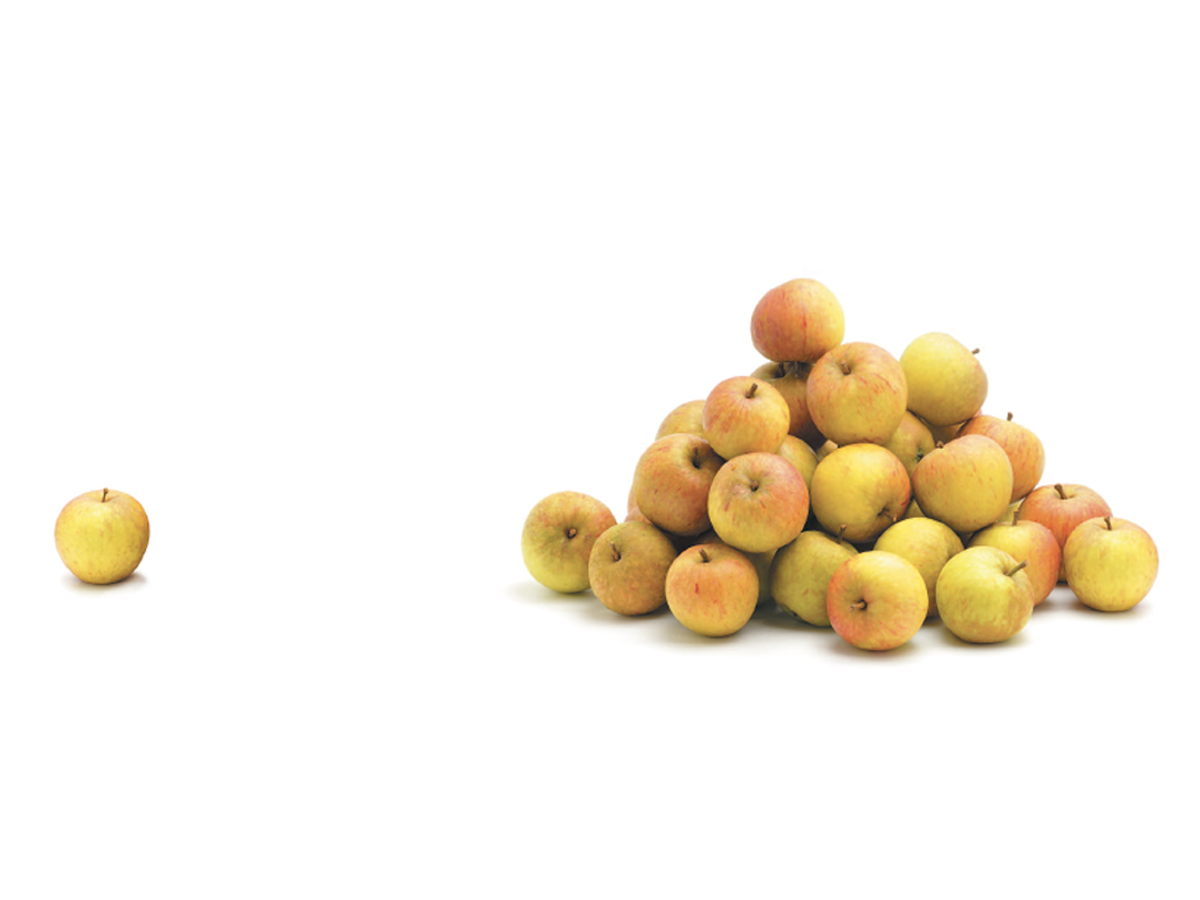
Before&After: Gestalt Theory: Proximity
When separate elements are grouped, they appear united just because they’re clos...

Article
Tip of the Week: Seeing Page Sizes with the Page Tool
How to see the size of any document page in InDesign, using the Page tool.

Article
Monotype Imaging Adds Fonts from Two Foundries to Fonts.com
Fonts.com has added collections from Prime Graphics and BA Graphics – type found...