



These days, most of us are on-the-go a lot of the time. We’re out and about with our iPhone, iPad or iPod Touch, and we receive an InDesign file from a colleague. However, all we can view is the InDesign icon. We’ll have to wait until we’re back on our laptop or desktop computer back in our office to see if it’s the right one. But no more!
Code Line, the makers of SneakPeek Pro for the Macintosh, have released SneakPeek for iOS devices?iPhone, iPad, or iPad Touch (requires iOS 4.2 or higher). You can purchase it on the App Store for $9.99. I’ve written about SneakPeek Pro before: Here and here. SneekPeek lets you preview InDesign CS5 or earlier files (include multiple pages), and Illustrator ai. files which have been saved with PDF previews.
Here’s how it works: Your colleague sends you the InDesign file in an email, or copies it to your DropBox. If you’re in Mail, click the icon for the attachment and you’ll be given the opportunity to open it in SneakPeek. You’d do the same if you’re in DropBox viewing your dropbox.
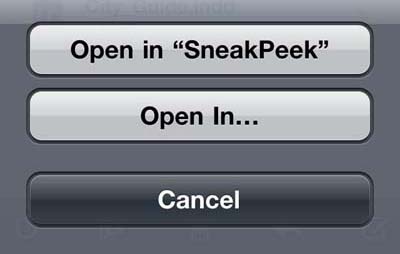
Open in SneakPeek
In order to see a preview of an InDesign file (as in the SneakPeek Pro), your sender needs to save preview images of one or more pages in InDesign’s File Handling Preferences. InDesign CS5 by default saves the first two pages with a Medium (256×256 pixels) preview size. You can also choose preview sizes up to 1024×1024 pixels, and can save more page previews at the expense of a larger file size.
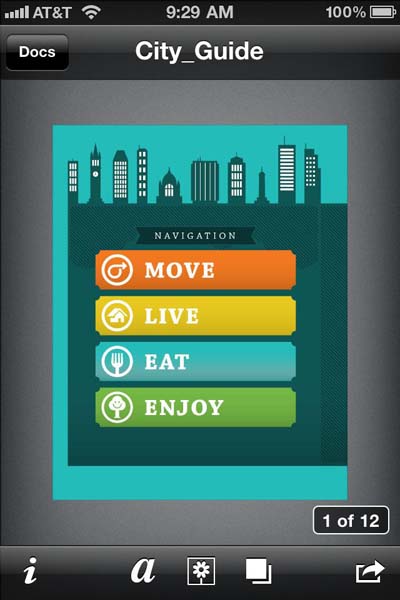
SneakPeek Preview
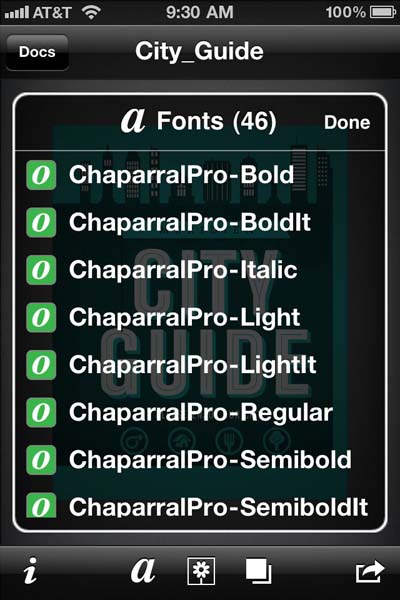
You can also view metadata which is stored by InDesign CS4 and CS5 files, including fonts, images, and swatches.


That’s all there is to it. Enjoy!
This article was last modified on December 20, 2021
This article was first published on March 3, 2011
Commenting is easier and faster when you're logged in!

Recommended for you

This Week in InDesign Articles, Number 127
What a busy few weeks! Lots of learning and talking at conferences (including ou...

Script for Applying Object Styles While Placing Images in InDesign
Apply object styles as needed while placing images, with the aid of a free scrip...
Musings on the New Technologies
I just got an invitation to attend my high school reunion. (I won’t tell y...