


InDesign Template Essentials: Tables of Contents
Includes five TOC styles that you can adapt and modify to your own needs, ranging from the simplest TOCs, to multi-level TOCs where each entry includes titles, summary text and...

Templates are an exclusive benefit for CreativePro members! (Not a member yet? Join us and get $10 off with the discount code: TEMPLATE)
In this version of Template Essentials, we turn our attention to a rather essential feature of long documents, tables of contents.
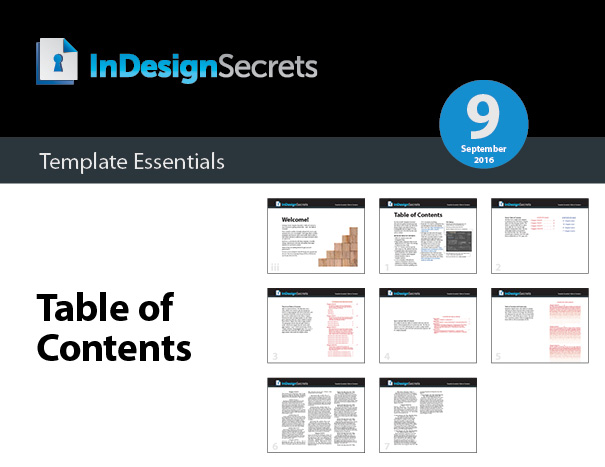
The file includes five TOC styles that you can adapt and modify to your own needs, ranging from the simplest TOCs, to multi-level TOCs where each entry includes titles, summary text and subheads.


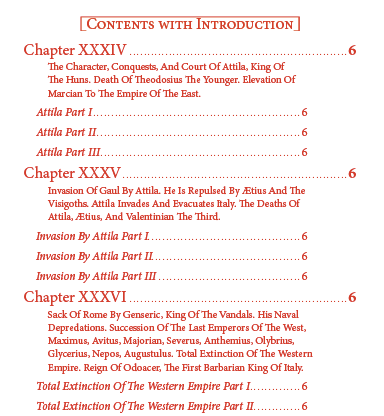
There’s even a version that incorporates nested line styles to create an interesting fade effect on the chapter text.

Plus a helpful explanation of the features in the TOC dialog box.

Commenting is easier and faster when you're logged in!

Recommended for you

Editor’s Picks for The InDesign + Long Documents Summit 2024
Our Editor in Chief lists his four must-see sessions at The InDesign + Long Docu...

Tip of the Week: Accessing Document History
How to access the embedded history log kept inside every InDesign file, which ca...

InQuestion: Viewing Spot Colors and Blend Modes With Overprint Preview
This article appeared in Issue 112 of InDesign Magazine. Claudia McCue shows why...