


InDesign Template Essentials: Interactive Buttons and Forms
Contains buttons for navigation, for controlling audio and video, for showing an hiding objects, and for building forms in PDF. There are also a bunch of alternative hyperlink styles for both...
Templates are an exclusive benefit for CreativePro members! (Not a member yet? Join us and get $10 off with the discount code: TEMPLATE)
This template features a bunch of goodies for working with interactive documents.
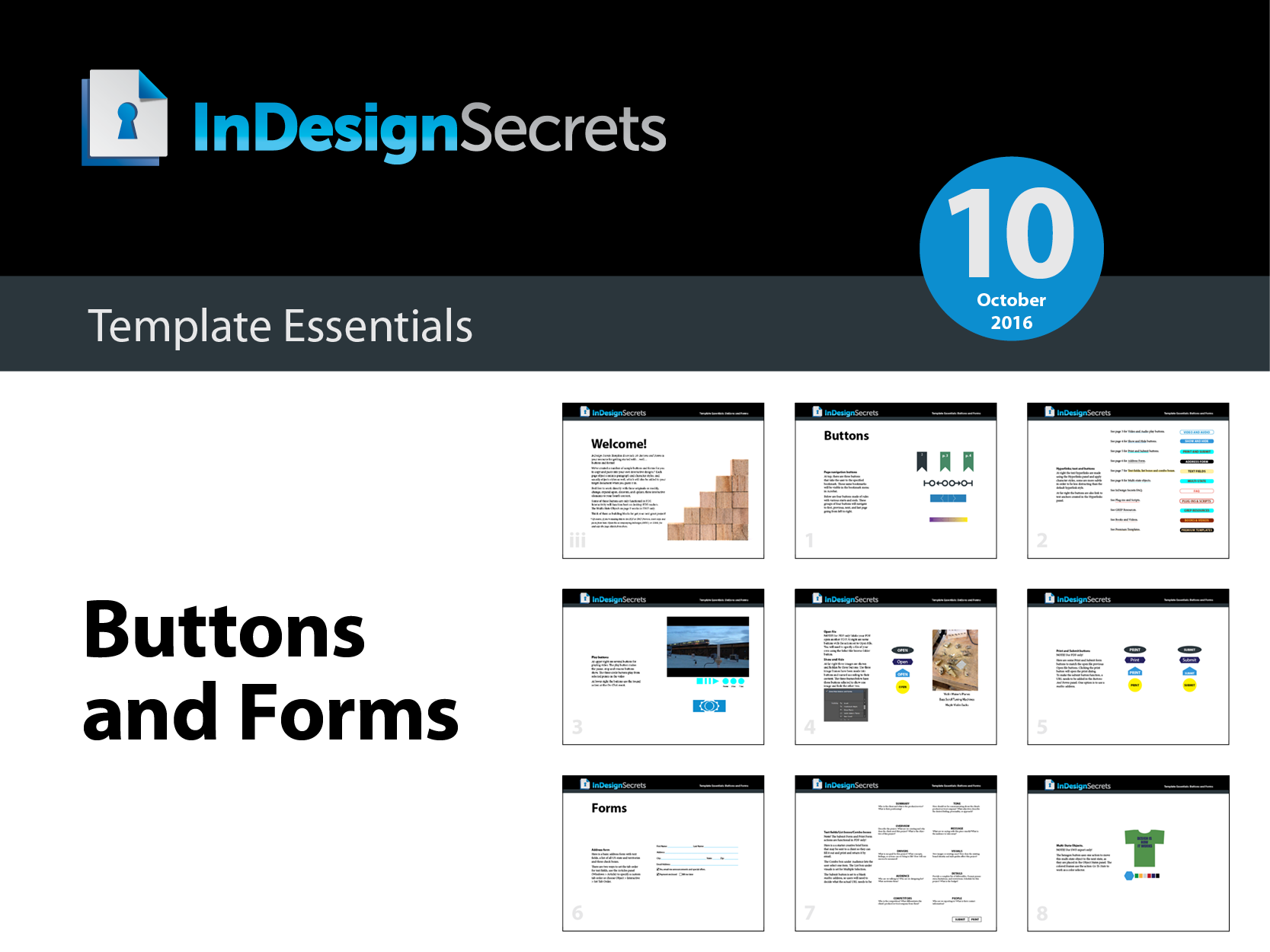
The template document contains buttons for navigation, for controlling audio and video, for showing an hiding objects, and for building forms in PDF. There are also a bunch of alternative hyperlink styles for both text links and buttons, and an example of a multi-state object that will work in FXL EPUB and Publish Online documents.
Also, remember that rich media in interactive PDFs depends on the presence of Flash, so don’t expect it to work in interactive PDF on mobile devices (or desktop machines where Flash is not present).
Commenting is easier and faster when you're logged in!

Recommended for you

Speed Up Your GREP Styles
Fact: Searches and replacements done from InDesign’s GREP tab in the...

How to Create a Reusable Haze Filter in Photoshop
Learn how to create a reusable Photoshop filter for adding a haze effect to an i...
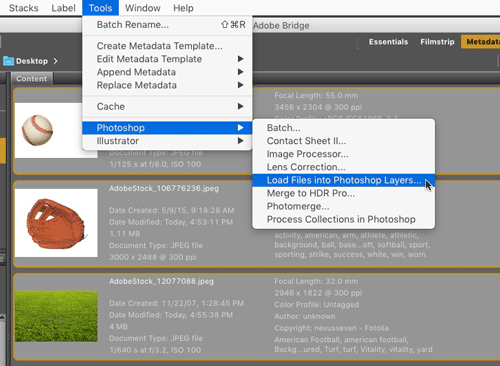
CreativePro Tip of the Week: Opening Files as Layers in a Photoshop Document
This CreativePro Tip of the Week on opening files as layers in a Photoshop docum...