



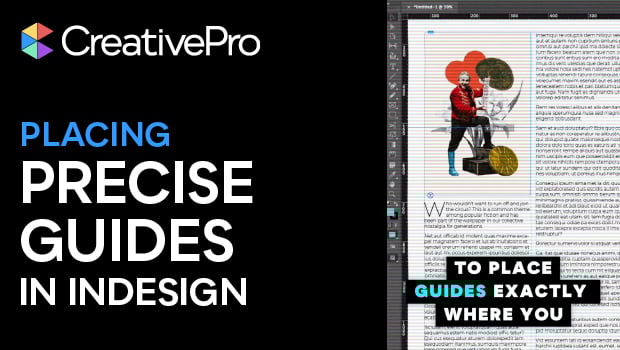
In this short InDesign how-to video, Khara Plicanic reveals two quick tricks for dropping guides exactly where you want them. No more eyeballing guide placement.
Subscribe to the CreativePro YouTube channel for more helpful design tips!
This article was last modified on March 13, 2026
This article was first published on March 13, 2026
Commenting is easier and faster when you're logged in!

Recommended for you
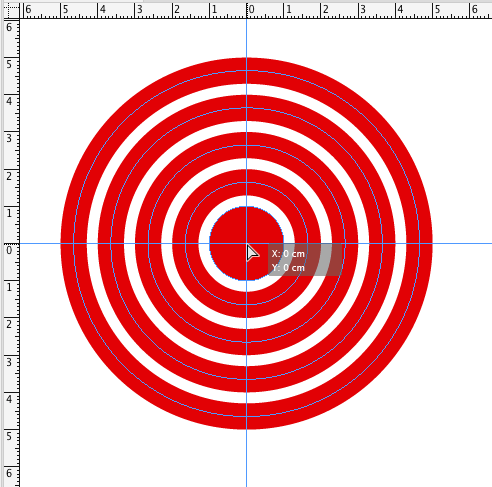
Tip of the Week: Creating Crosshairs Guides
How to create vertical and horizontal guides at the same time to make crosshairs...

Tip of the Week: Snapping Guides to Rulers
This InDesign tip on snapping guides to rulers was sent to Tip of the Week email...
InDesign Tip: Page Guides vs. Spread Guides
Here’s the trick for creating guides on just one page or the whole spread...