


Photoshop Tips: Mastering Photoshop’s Interface


This story is taken from “Secrets of the Photoshop Masters” (Avondale Media).

Creativepro.com readers can purchase this DVD at a discount. Click here to learn more.
Tools, and palettes, and windows — oh my! If navigating your Photoshop workspace at times seems like pushing through a thick forest crowded with potential perils, then you may want to pause and refresh your knowledge of the many shortcuts available in Photoshop.
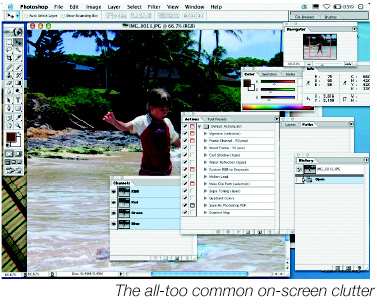
True Photoshop masters know the most efficient display modes and keyboard combinations to zip through files and minimize desktop clutter. In this adaptation of material from the DVD “Secrets of the Photoshop Masters,” you’ll find a crib sheet of some of the techniques the gurus use to streamline working in Photoshop.
We’ve posted this story as a PDF file. All you do is click this link “Mastering Photoshop’s Interface” to open the PDF file in your Web browser. You can also download the PDF to your machine for later viewing.
To open the PDF, you’ll need Adobe Acrobat Reader. Get it here:
 .
.
To learn how to configure your browser for viewing PDF files, see the Adobe Reader tech support page.
This article was last modified on January 3, 2023
This article was first published on September 5, 2003
Commenting is easier and faster when you're logged in!

Recommended for you
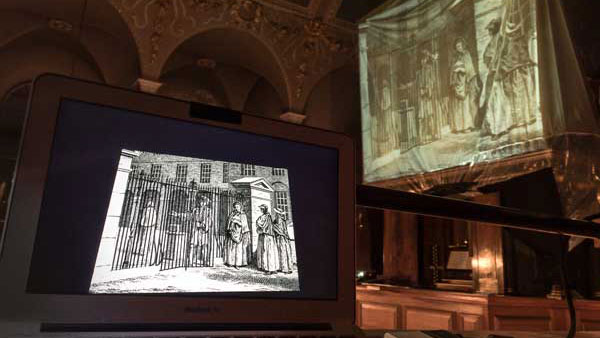
Fixing Slideshow Projection Problems With Photoshop
The church of St Andrew, Holborn, in the heart of London, was built by Christoph...

CreativePro Video: Recover Photo Detail With Camera Raw
In this week’s CreativePro video, Mark Heaps shows us how to use Photoshop’s Cam...
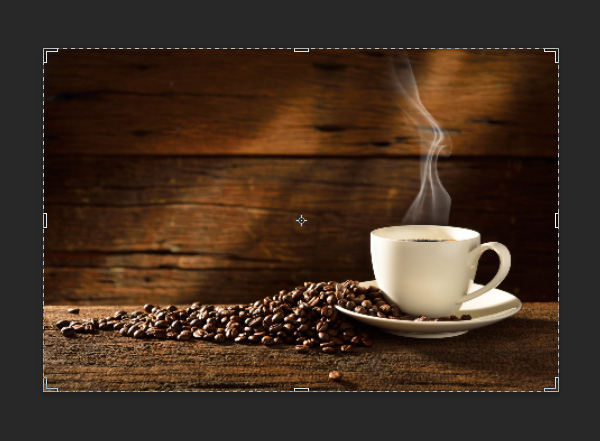
Essential Tips for Cropping Images in Photoshop
Whether it’s done to make images fit a specific space, or to make them tell a ce...