


Photoshop Template: Movie Sign
Use this customizable Photoshop template to put your own message on a movie marquee.
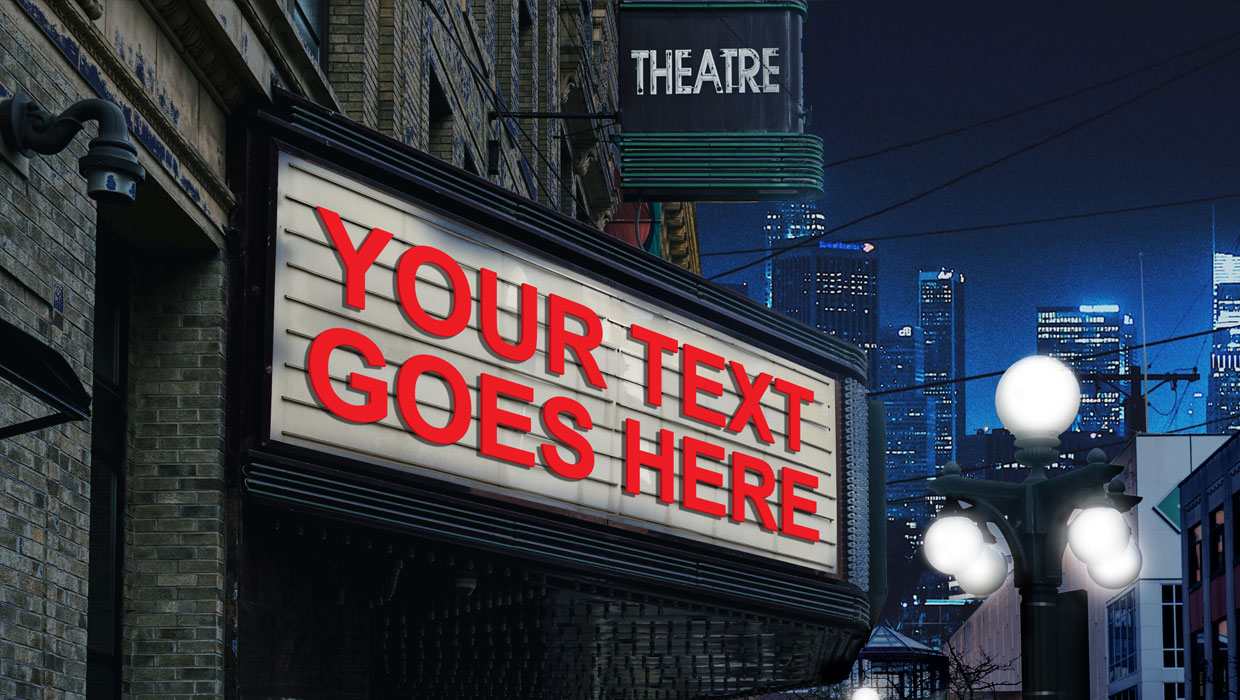
This Photoshop template can be used to put your own message on a movie marquee.
To use the template, just double-click on the Smart Object to open the embedded placeholder text in a separate window.

Edit the text. You can also change the color, size, font, etc.

Save and close that file, and when you return to the template, the text will be updated.

Commenting is easier and faster when you're logged in!

Recommended for you

InDesign Template of the Month: Invitation
Time for another exclusive template for our Premium members! (Not a Premium memb...
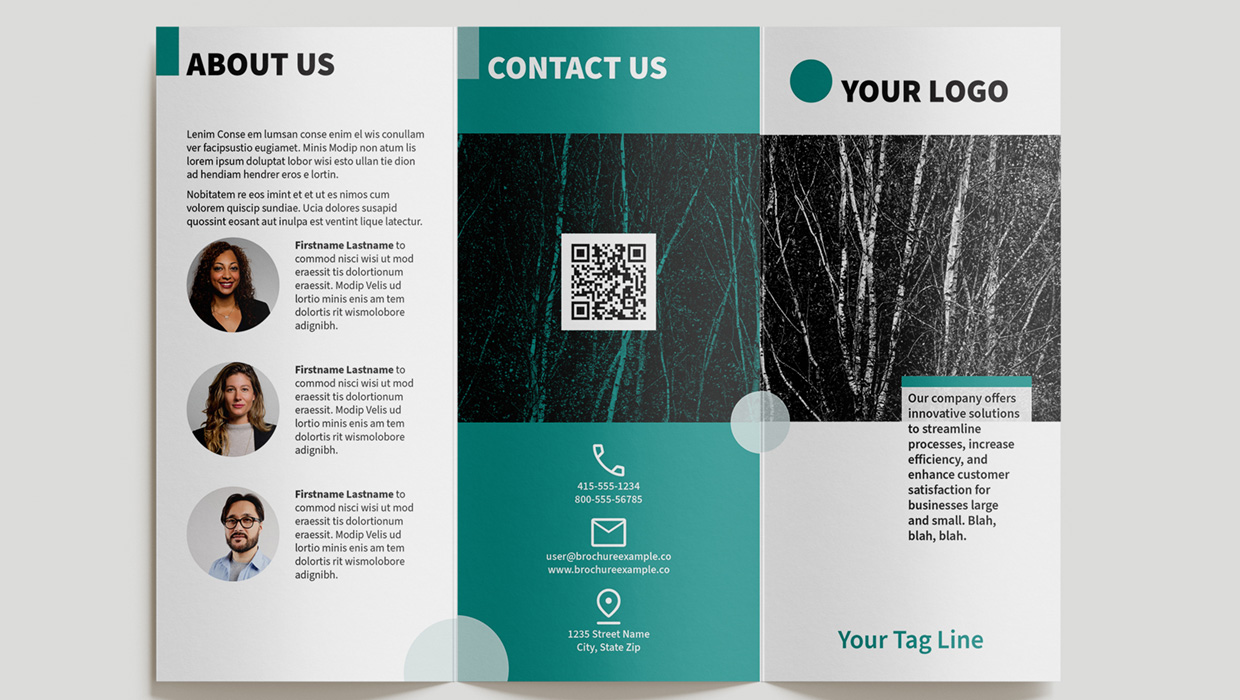
InDesign Template: Trifold Brochure
Use this template to create a beautiful trifold brochure in letter or A4 sizes.
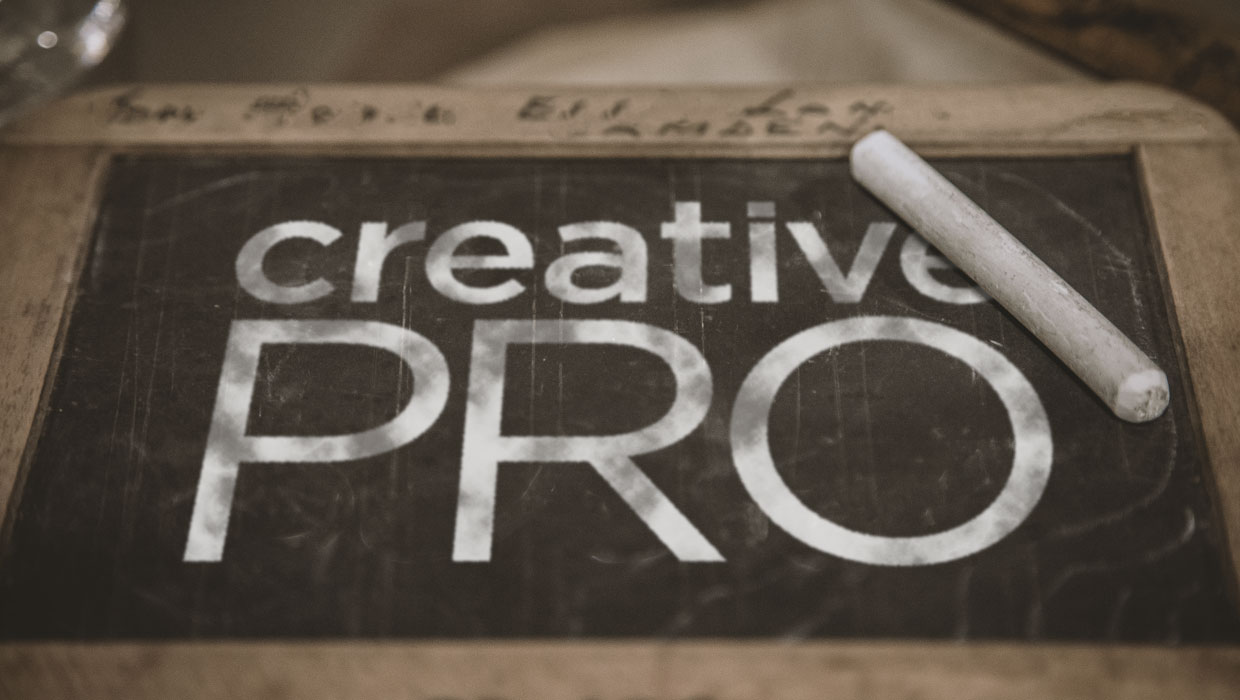
Photoshop Template: Chalkboard FX
Use this customizable Photoshop template to put your own message on a chalkboard...