


Photoshop Template: Gold Text FX
Use your own content to make text look like it's made of solid gold.
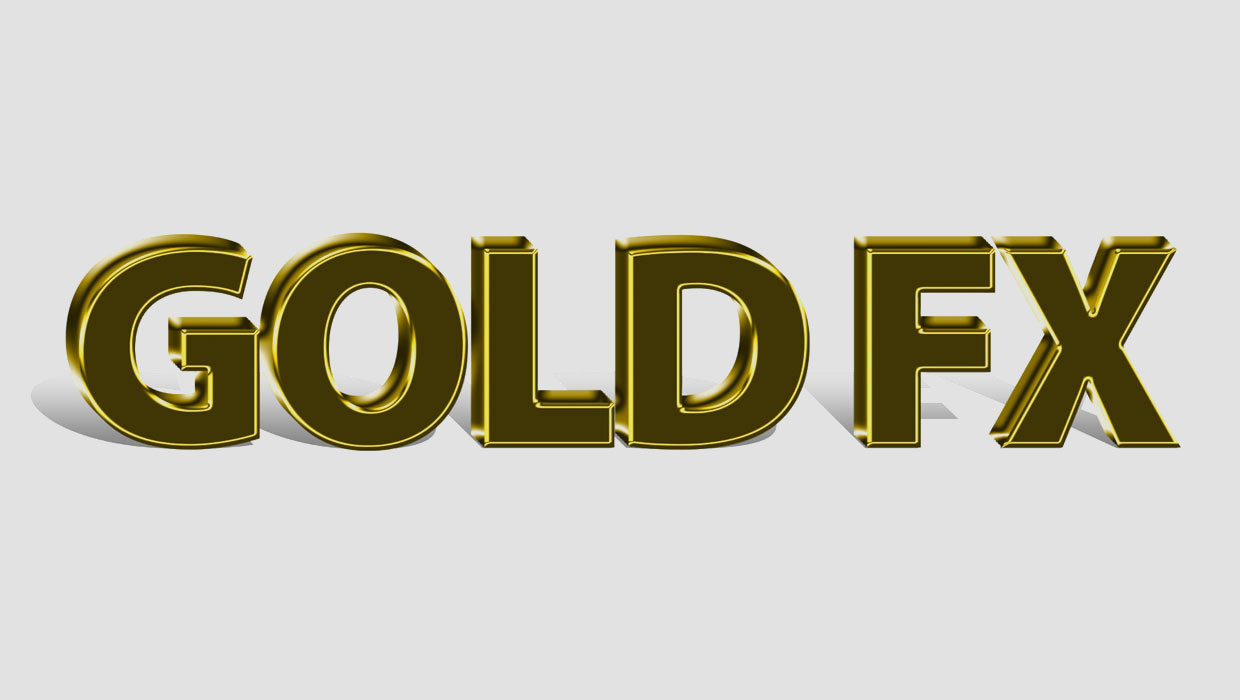
This Photoshop template can be used to create the look of text made out of solid gold.

To use the template, just replace the placeholder text with your own.
Double-click on the Smart Object to open the embedded placeholder text in a separate window.
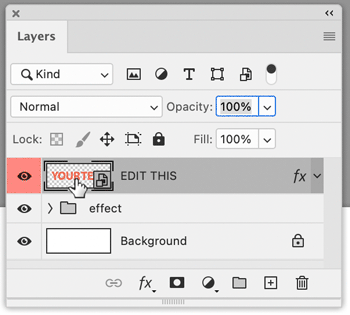
Edit the text.
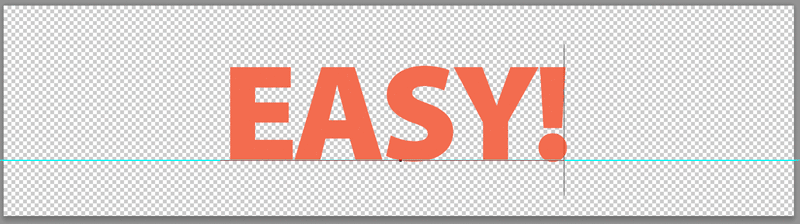
Save and close that file, and when you return to the template, the text will be updated.

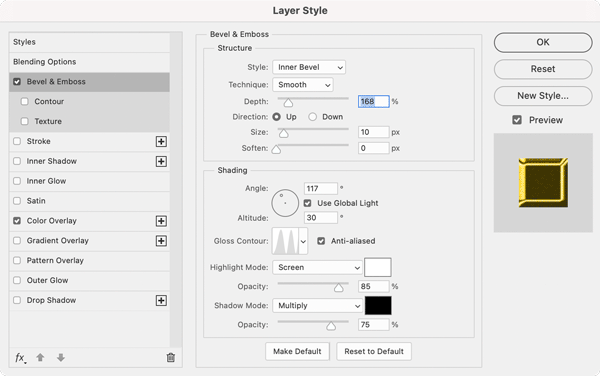
If you like, you can also modify the effect settings (Bevel & Emboss and Color Overlay) by double-clicking the fx icon on the Smart Object layer in the template file.
Commenting is easier and faster when you're logged in!

Recommended for you

CreativePro Week Sneak Peek: How to Use Motion Graphic Templates in Premiere Pro
Learn how easy it is to find and implement motion graphic templates in your Prem...
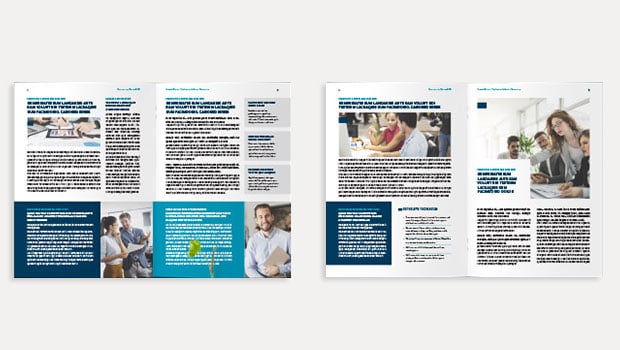
InDesign Template: Newsletter
Includes the template in A4 and Letter size, in INDD and IDML formats, plus link...
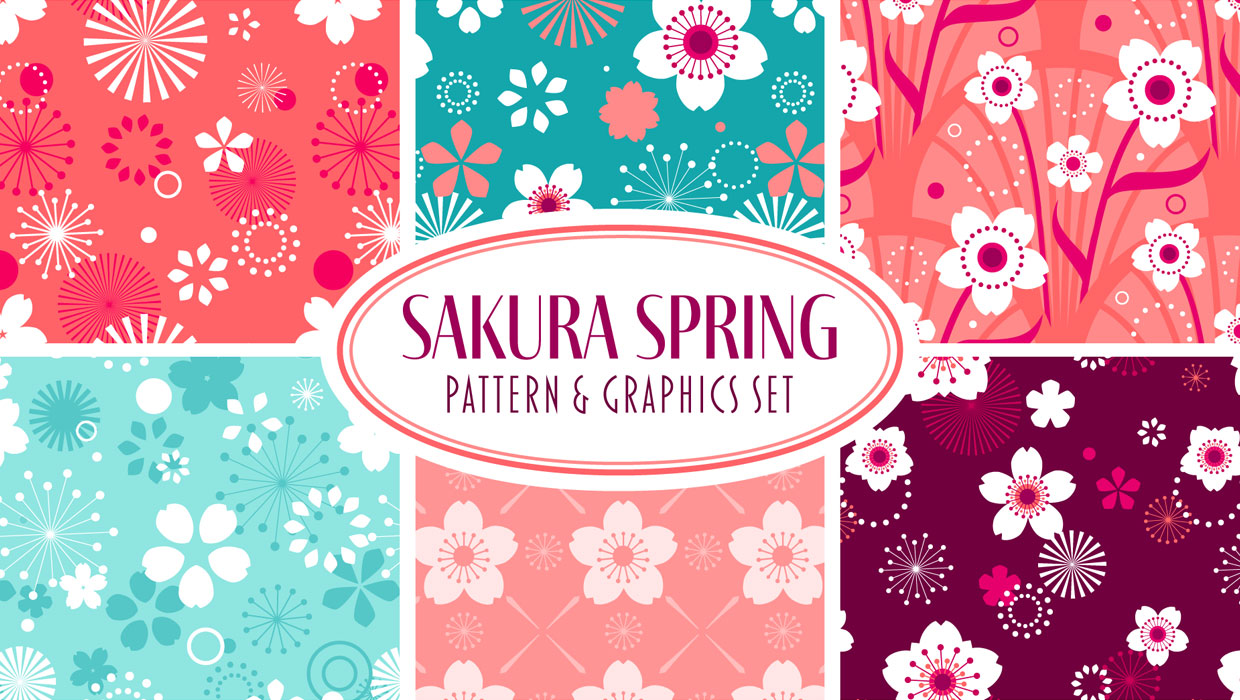
Illustrator Downloadable: Sakura Spring Pattern Set
A set cheerful cherry blossom vector patterns, symbols, and colors.