


Photoshop How-To: Making Painted-Paper Illustrations

Peachpit Press is offering this book at a discount. Click here to learn more.
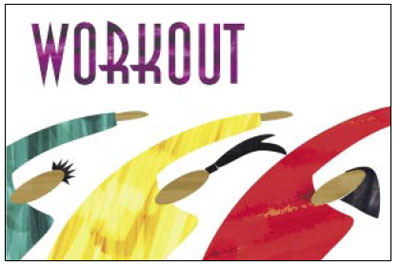
One of the first art projects we did as kids was to create a picture out of cut-up pieces of paper. The fun was in deciding which color or finish of paper best resembled its real-world equivalent. In later years, after exposure to Chagall cut-outs, we saw that these paper collages are not confined to youth.
Since most of us deliver our artwork in digital format, it makes little sense to sit around cutting up paper to make a collage. Even if you scanned the finished piece back in to your computer, the result would lack the tactile finish of the orginal.
But if you like the look of paper collages, you can make your own digital paper in Photoshop and then use masks to “cut out” the desired pieces. It’s quick, easy, and requires no glue. Best of all, with this technique you’re not squandering our forest resources.
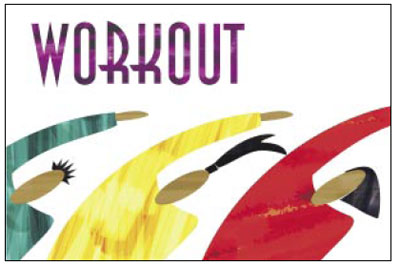
In this excerpt from “Adobe Photoshop CS Creative Studio,” Luanne Seymour Cohen shows you how to create collages out of digital rather than pulped paper.
We’ve posted this excerpt as a PDF file. All you do is click this link “Painted-Paper Illustrations” to open the PDF file in your Web browser. You can also download the PDF to your machine for later viewing.
To open the PDF, you’ll need a full version of Adobe Acrobat (5 or higher) or the Adobe Reader, which you can download here:
 .
.
To learn how to configure your browser for viewing PDF files, see the Adobe Reader tech support page.
Excerpted from “Adobe Photoshop CS Creative Studio” © 2004 Luanne Seymour Cohen. Reproduced by permission of Pearson Education, Inc. Publishing as New Riders. ALL RIGHTS RESERVED.
This article was last modified on July 18, 2023
This article was first published on October 20, 2004
Commenting is easier and faster when you're logged in!

Recommended for you

Adobe Releases Free Photoshop Extension for Blending Colors
Adobe has released a new free extension for Photoshop CS6 that provides two new...

Illustrator CC 2018 New Features
Adobe Illustrator CC 2018 brings several exciting enhancements, including Variab...
How to Digitize a Film Archive with Adobe Lightroom or Adobe Camera Raw
Digitizing an archive of film images can be a time-consuming process. Instead of...