



I remember the first time Olav Martin Kvern (one of my co-authors on Real World Adobe InDesign CS6
Many folks don’t realize that you can move the Control panel. The trick is to drag the little gray handle on the left side of the panel. If you drag it out into the middle of the screen, it un-docks (like any other panel) and can float wherever you want it. Drag it down so that the cursor is at the bottom of the screen and you’ll see a little light blue line appear; that means it will dock down there!
Here’s an example of the panel at the top and then at the bottom; see how clean it looks down there?

vs.
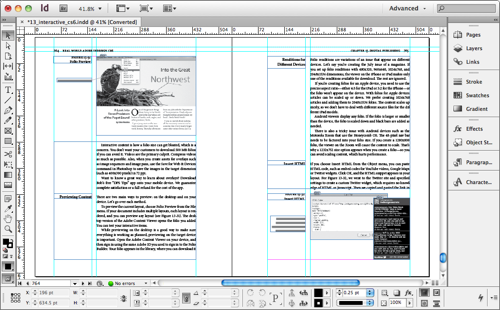
It’s all just a matter of how you want to work, and what looks best for you, of course.
Note that if you’re like us, and you do training for others, then moving your Control panel to the bottom will confuse your clients! No problem: Just make a custom workspace (Window > Workspace > New) so you can go back and forth between the panel layout you use for work and one you’d use for training.
This article was last modified on December 21, 2021
This article was first published on July 6, 2012
Commenting is easier and faster when you're logged in!

Recommended for you

Where Did My InDesign Menu Items Go?
Where do you go when features start disappearing from your menus? Workspaces are...

20 Obscure Features
David Blatner shares his favorite 20 obscure features that every InDesign users...
Why You May (or may not) Need InDesign’s Character Panel
Need to change the formatting of text inside a frame, but you have the Selection...