


Making eBooks from InDesign, Part 2

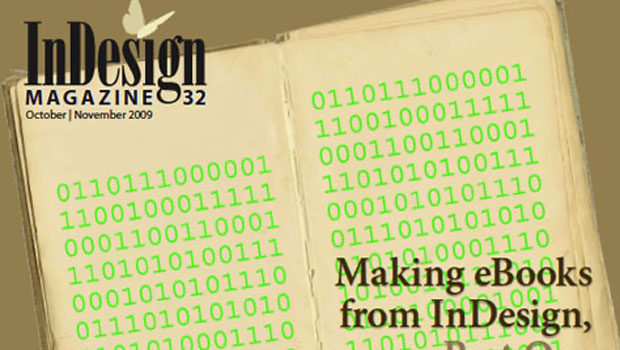
This article is excerpted from the October/November 2009 issue of InDesign Magazine, #32. Subscribe to InDesign Magazine.
In part 1 of this series, you learned how to create a file in InDesign that successfully exports to a format eBook readers can display. But after exporting an EPUB file from InDesign, it’s sometimes necessary to modify it. For instance, you might want to insert a forced page break, add metadata to the file, or change table formatting.
In this article, I’ll walk you through the process of opening an EPUB file, and I’ll explain how the file’s components work. You’ll learn how to make common edits, and I’ll direct you to some tools you can use to validate an EPUB file after you’ve made significant changes to it.
Click the image below to download the article as a PDF file.

This article was last modified on January 8, 2023
This article was first published on January 27, 2010
Commenting is easier and faster when you're logged in!

Recommended for you


Index Fixes: Sorting
InDesign doesn't distinguish letter-by-letter and word-by-word sorting, it suppo...
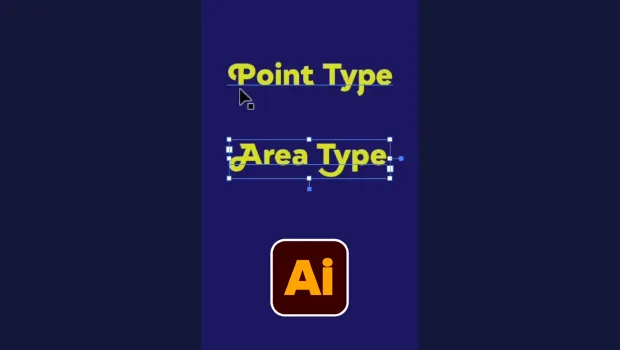
Illustrator’s Two Kinds of Type
Khara Plicanic explains the two kinds of type in Illustrator.