




With all the apps for manipulating iPhone photos, the images on your computer may be feeling left out.
Now there’s a website called Make Retro that gives you the feel of popular iPhone photo apps, such as Hipstamatic. Just upload a JPEG, PNG, or BMP file to the site, choose from the dropdown list of effects, and you’re done! If you like the results, use your Web browser’s Save As command.
The effects include Lomo, chrome, Diana/Holga/toy, and Vintage, with further choices in each effects category.
Below is an original, unmanipulated photo, followed by four examples of Make Retro’s effects.




This article was last modified on January 6, 2023
This article was first published on March 10, 2011
Commenting is easier and faster when you're logged in!

Recommended for you
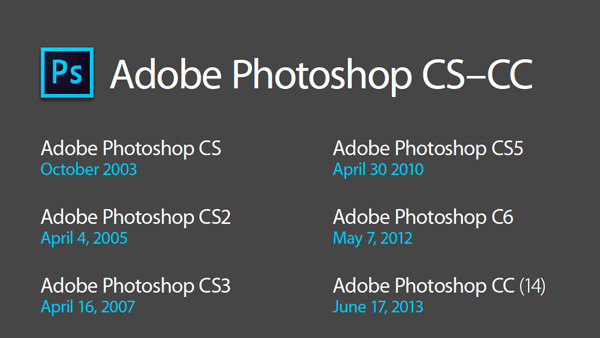
Photoshop New Features Guide
For some time, InDesign users have enjoyed a great free resource that details wh...

How to Prepare Screen Captures for Print
Excerpted from Real World Print Production with Adobe Creative Cloud by Cla...

Let’s Get Messy: Grungy Textures, Brushes, and Vectors
All this well-organized, time-managed, Pinterest-inspired talk of de-cluttering...