



About a month ago I wrote here about some powerful new Help features in InDesign CS3. The InDesign Help files which we usually reach by choosing Help > InDesign Help are now also found as web pages which can be accessed on the Internet. When Adobe Help Viewer 1.1 launches, you can get to them by clicking the This page on the Web link. These pages can be searched for on the Internet. The web pages will be updated and added to in the future, presumably fixing the inevitable errors which creep into documentation which is written as the software is being engineered.
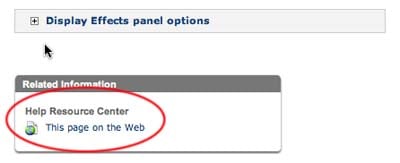
But now these web Help pages are enhanced to allow commenting. (Thanks to Tim Cole’s excellent blog for this information!) This feature was first introduced with the Photoshop Help web pages, and some of those have now been commented on, adding further information about the subject. At the bottom of each web Help page, you’ll see the Add Comment button.
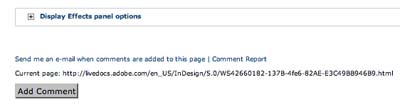
Another advantage of the LiveDocs Help feature is that the current page has a URL (shown above the Add Comment button), which you can use as a reference when sending help information to other people. This is very difficult to do using Adobe’s Help Viewer.
This article was last modified on December 18, 2021
This article was first published on June 22, 2007

Recommended for you

Perfecting the Triple Outline with Editable Text
Last week I posted a tip on how to create double outlines on text, while maintai...
The affects and effects of effective Effects
In the world of page layout features there are the bread-and-butter features suc...
PDF/X-4 PDF Preset in InDesign CS3
When you start using InDesign CS3 (and the other CS3 applications) and export yo...
Comments are closed.