


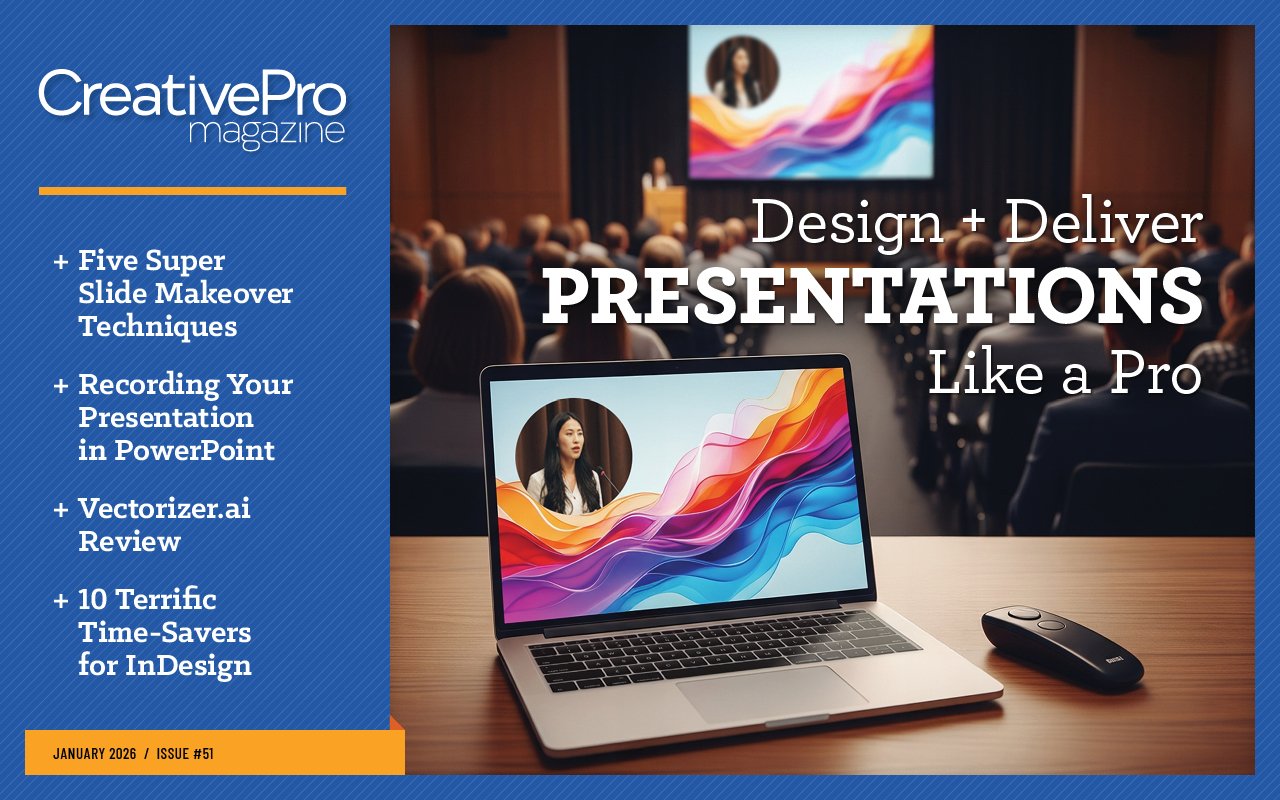
Design and Deliver Presentations Like a Pro
- Five Super Slide Makeover Techniques
- Members-Only Video: Using the Built-in Recording Tools in PowerPoint
- 10 Terrific Time Savers for InDesign
- The Designer’s Guide to AI and Copyright
- Vectorizer.ai Review
January 2026

Letter from the Editor
Fun fact: 2026 marks the 100th anniversary of Route 66, the iconic highway that connected America’s heartland to the west coast and inspired creatives ranging from John Steinbeck to Jackson Browne. In the words of the National Park Service, Route 66 came to “symbolize hope, progress, and the spirit of adventure” for many people.
Those themes resonate strongly with me at the beginning of this new year as I look forward to all that CreativePro has planned for 2026. With a slate of seven major events, it’s going to be a year packed with learning, connection, and inspiration. Think of it as a road trip for your career, where you learn something new at each stop, and the destination is a feeling of greater confidence and ease, as you master essential tools and skills. And you might even make some new friends along the way.
We kick things off in February with the four-day Presentation Design Conference. To get you ready for that, we have two terrific items in this issue by folks who will be presenting at the show.
First, Jody Wissing shares her “Fantastic Five” Super Slide Makeover Techniques that can turn you into a presentation design superhero (no phone booth needed). She details how to identify the core message you want to get across, organize your text, and choose memorable visuals that will stick in the minds of your audience.
Next, this month’s members-only video features Nolan Haims demonstrating the built-in recording tools in PowerPoint. He walks you through every aspect of the Cameo feature, so you can place a video of yourself on each slide to enhance the presentation and foster a greater connection with your viewers. He also shows where the pitfalls are, how to avoid problems with transitions and audio, and how to save the recording so it’s easy to deliver to anyone anywhere.
Our second event will be The Design + AI Summit in April. Looking forward to that, we have two AI-focused items. First, Kat Kremser reviews Vectorizer.ai, a powerful web-based tool that leverages AI to produce better results than traditional raster-to-vector tools. Next, The Designer’s Guide to AI and Copyright is a must read for anyone using generative AI. Kathryn Goldman identifies where the risks are and how to minimize your legal exposure.
At this point, the 2026 InDesign Conference is just a speck on the horizon, but it’s never too soon to start exploring ways to increase your efficiency in creating complex layouts. Simply put, Pariah Burke’s 10 Terrific Time-Savers will help you get more done in less time.
And be sure to check out our new podcast, YouTube highlights, and Community Calendar. Enjoy!

Recommended for you
Fixing Photos with AI in Photoshop
Fixing Photos with AI in Photoshop Converting from PowerPoint to Google Slides M…

Photoshop Motion and Video
Photoshop Motion and Video Long Document Scripts PowerPoint to InDesign Careers…

Canva vs. Adobe Express
Canva vs. Adobe Express Accessibility Tips for Presentation Design Preflighting…