



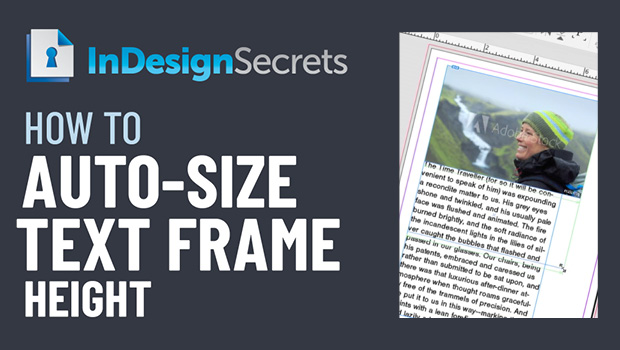
In this InDesign how-to video, Erica Gamet demos how to auto-size a text frame’s height. Setting this feature in Text Frame Options, she shows how this method helps with creating image captions. Taken from her “Become an InDesign Superhero” session at CreativePro Week 2018.
Check out new tutorials every other Tuesday on our InDesign Secrets YouTube channel, then join the discussion on our Facebook group!
This article was last modified on August 29, 2025
This article was first published on November 21, 2020
Commenting is easier and faster when you're logged in!

Recommended for you

Scanning Around With Gene: When Life Was Oversaturated
I fall into a hard-to-define category when it comes to my preferences for color....
The Case of the Missing Placeholder Text Contest Answer and Winner
Solve this InDesign mystery for a chance at winning a great prize.

A Script to Collect All Objects With A Particular Object Style
In the course of my editorial duties here at CreativePro, from time to time I...