



Most InDesign users are completely unaware of all the cool uses for slugs in their documents.

No, not that kind of slug.
I’m talking about the kind of slug that defines an area around the pages of your document, and can be used to include all sorts of useful information in printouts and PDF.
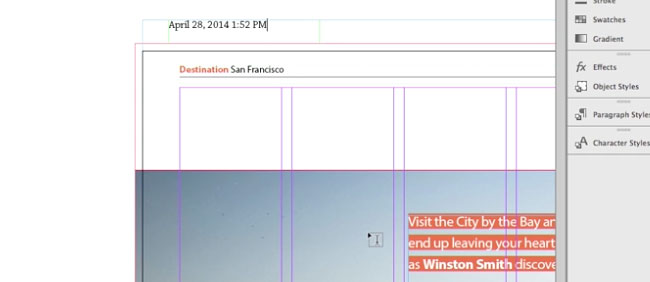
In the latest InDesign Secrets video at lynda.com, Anne-Marie Concepción demonstrates some great uses for slugs, like an area for approval signatures

as well as date and time stamps showing when the document was output.
So check out the InDesign Secrets video series at lynda.com. It’ll leave you feeling “sluggish”—but in a good way!
This article was last modified on March 5, 2025
This article was first published on November 14, 2014
Commenting is easier and faster when you're logged in!

Recommended for you

InDesign How-to Video: How to Bring the Control Panel Back and Keep It
In this week’s InDesignSecrets video, Anne-Marie Concepción explains what happen...

CreativePro Magazine Issue 22 Now Available
CreativePro Magazine Issue 22 has articles on Adobe Acrobat for designers, Power...
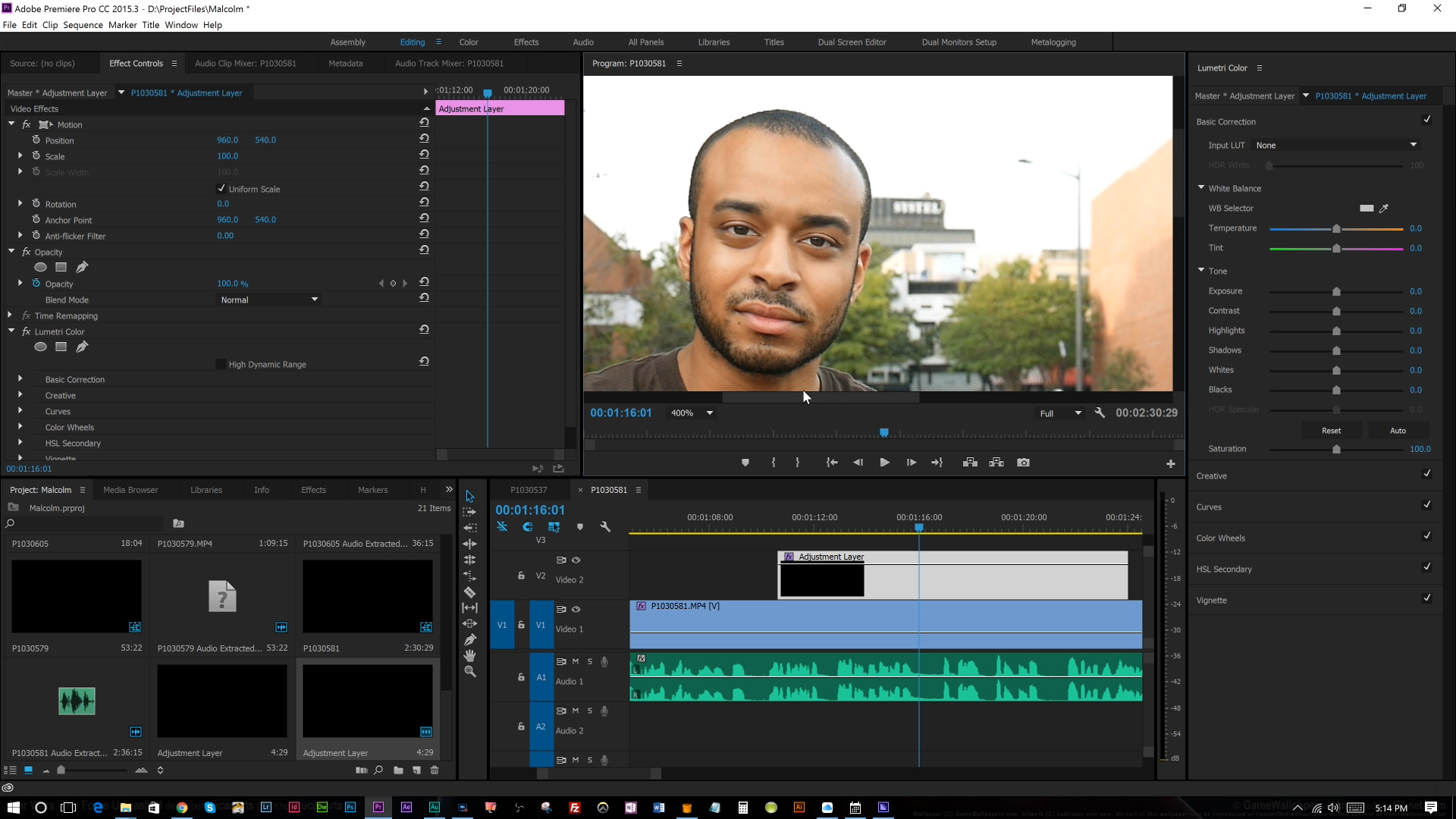
Premiere Pro Tutorial: Simple Color Correction for Video
Adobe Premiere Pro can feel a bit intimidating if you are new to the program and...