



 Facebook quietly rolled out yet another new feature a couple weeks ago called Interest Lists. I created one for InDesign users called the InDesign Pro Community. (You’ll need to be logged into Facebook to see the list.)
An “Interest List” is a public list of specific Facebook Pages (and “Pages” are special Facebook accounts for businesses to help connect with their customers. I have a Lynda.com video title on it.) When you make an interest list out of a few Pages, or more commonly when you simply subscribe to someone else’s list, you can click the interest list’s name in your left sidebar on Facebook and see all of the recent posts by all of those Page owners/admins in one scrolling window. This is far easier than going to each individual Page to see if they posted anything interesting recently. (Unlike your close friends’s status updates, it’s very unlikely that a Page’s update will appear in your newsfeed, or Wall, when you go to your Facebook account.)
Here’s part of what I saw this morning when I clicked the InDesign Pro Community link:
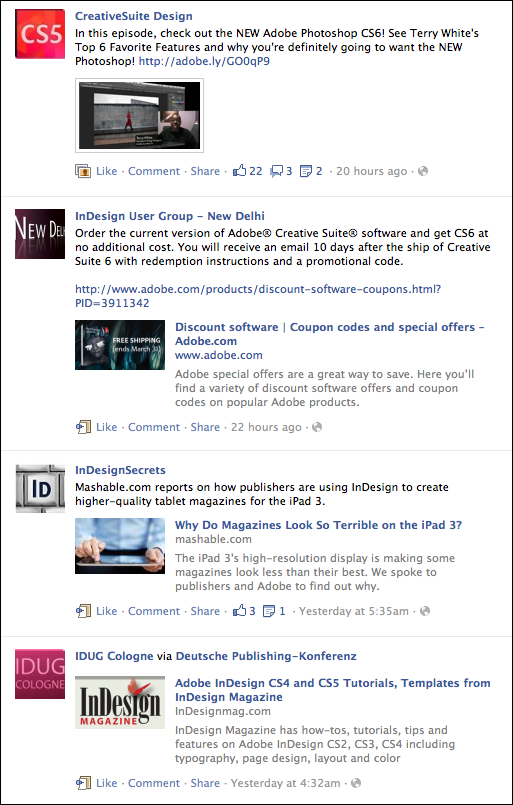
Unlike regular Friends lists, you can only add Pages, not personal Facebook accounts, to an Interest Group list. I spent some time this past weekend hunting down Pages that are specifically about InDesign (and tried to stay away from more general Creative Suite pages). There is an InDesign Facebook Page run by Adobe, of course, but then there are also a few InDesign User Group pages, and company pages from InDesign developers like In-Tools and DTP Tools. (Interestingly, one of the most active pages is the New Delhi InDesign User Group. Check them out!) I also added any Pages I could find where the admin simply wrote about InDesign fairly often, such as Kelly Vaughn’s DocumentGeek page, and – of course – the InDesignSecrets page.
Check out the InDesign Pro Community list and if you like it, click the Subscribe button at the upper right. (And click the Share button too if you think some of your friends are InDesign fans like yourself!) It’s a neat way to quickly see a bunch of great InDesign information, announcements, and links in one place on Facebook.
This article was last modified on December 21, 2021
This article was first published on March 27, 2012
Commenting is easier and faster when you're logged in!

Recommended for you

OnOne Software Supports QuarkXPress 7 with QX-Tools Pro 7
Quark Inc. and onOne Software Inc. announced today the upcoming availability of...

GREP in InDesign Excerpt: Learning by Example
Get started learning the basics of GREP in InDesign in this free excerpt from Pe...

This Week in InDesign Articles, Number 36
Lots of amazing links in this week's installment of InDesign goodies.