




Are you stuck with straight quotes, when what you wanted in your document was curly quotes? Well lucky for you, in this week’s InDesign Secrets video, David Blatner shows an easy way to make sure your document’s quotes automatically appear as those curly (aka typographer’s) quotes. Even if you import text with straight quotes, he will show us a super easy way to automatically change them to curly quotes.
Check out the growing collection of video tutorials on our InDesign Secrets YouTube channel (new tutorials published every Tuesday), then join the discussion on our Facebook group!
This article was last modified on August 29, 2025
This article was first published on August 29, 2018
Commenting is easier and faster when you're logged in!

Recommended for you

Scanning Around With Gene: Typography at the County Fair
I love county fairs, not for the rides or the food, but for the wide diversity o...
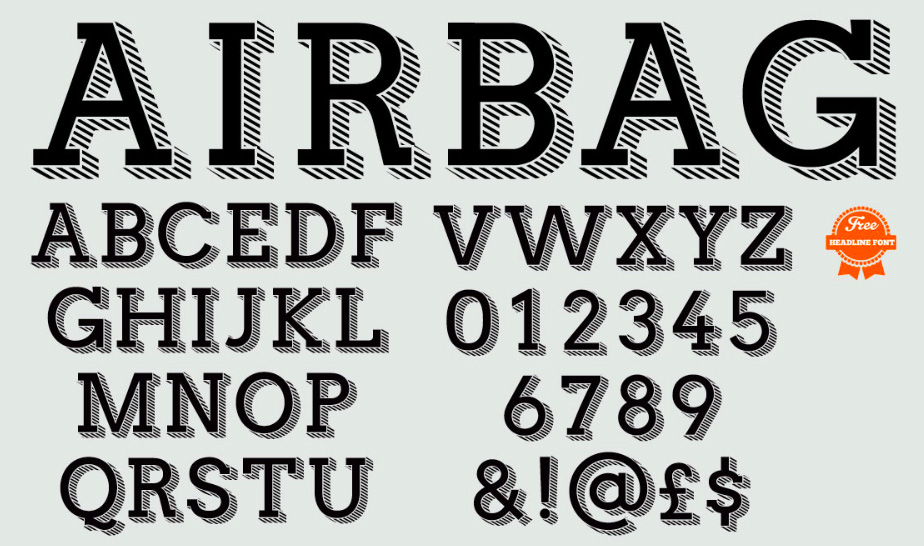
Airbag: A Free Headline Font
Airbag is free slab serif font created by Simon Stratford. Inspired by Trend by...

TypeTalk: Most Notable Fonts of 2015
Does the world need more typefaces? That is akin to asking if we need more shoes...