




This article is excerpted from the June/July 2008 issue of InDesign Magazine (#24). Buy the issue or subscribe to the magazine at www.indesignmag.com.
InDesign’s object styles are key to saving time and making your documents more consistent. A single click in the Object Styles panel can apply a host of formatting to one or more selected objects. For example, you can assign a fill color, a stroke style, text frame insets, graphic frame fitting options, and about a hundred other settings to frames and paths.
But there’s one thing object styles can’t do, and it drives me crazy: You can’t use object styles to apply page geometry—the position of an object on the page.
Applying page geometry could be helpful in a wide range of documents. For instance, you could tell InDesign that every time you assign a “footer” object style to a text frame, it would jump to the bottom of the page in exactly the correct position. Or you could assign a sidebar style and have the object move to the side margin. But alas, you can’t do it. So why am I even bringing it up here? Because there is a way around the limitation.
The workaround is based on a simple fact: Although you can’t assign page geometry for a free-floating object, you can assign it for an anchored object!
In this how-to, I’ll show you how to use this trick to create a slider along a numeric indicator. To help you catch on even more quickly, I’ve created a sample InDesign file that contains all the elements you need to follow along. That file is called “SliderSampleFile.indd” and it’s attached to the PDF that contains the rest of this how-to.
Click on the image below to download the how-to and sample file.
To open the PDF, you’ll need Adobe Acrobat or Adobe Reader. We highly recommend Adobe Reader 7.0 or above to view this PDF. Download the latest Acrobat Reader here.
To learn how to configure your browser for viewing PDF files, see the Adobe Reader tech support page.
This article was last modified on May 15, 2024
This article was first published on October 6, 2008
Commenting is easier and faster when you're logged in!

Recommended for you

Mapping Paragraph Styles to PDF Tags in InDesign
Map Paragraph Styles in your InDesign document to the proper tags for accessible...
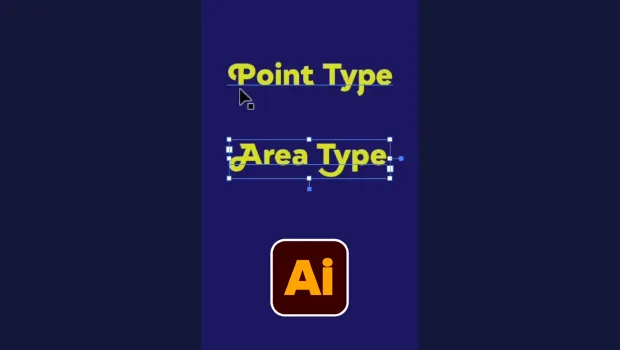
Illustrator’s Two Kinds of Type
Khara Plicanic explains the two kinds of type in Illustrator.
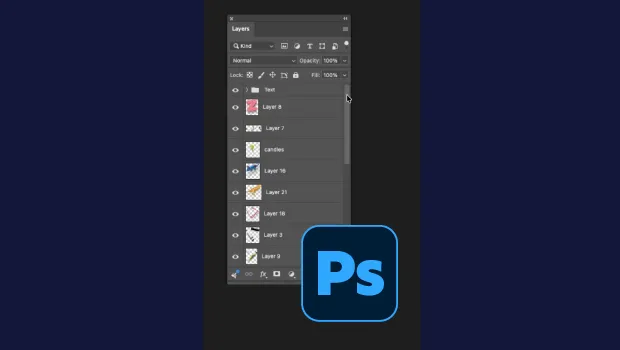
Smarter Thumbnails in Photoshop
Make Photoshop layer thumbnails clearer with one quick setting change.