




Glenn wrote:
I usually compose a booklet as single pages and then do the imposition just before making the plates. I have noticed that drop shadows created in InDesign do not rotate when the page is rotated 180º. I have to manually change the X & Y settings to negative. Although this isn’t a major problem, I was wondering if there was a way to automatically change the drop shadow.
Glenn, you are not alone. This is a frustrating problem with no push-button solution. However, my basic recommendation is to avoid doing imposition in InDesign. I much prefer exporting the document as a PDF and using one of the many tools for imposing PDF documents, such as Quite Imposing. or PDFSnake.
I just found this tutorial from Sandee Cohen at Adobe Studio, too.
One (more painful) solution some people use is to export each page as a PDF, then reimport them in to a new document. But if you don’t have a lot of this kind of thing, then I think your solution of changing the drop shadow values is likely the best.
This article was last modified on January 5, 2023
This article was first published on May 26, 2006
Commenting is easier and faster when you're logged in!

Recommended for you
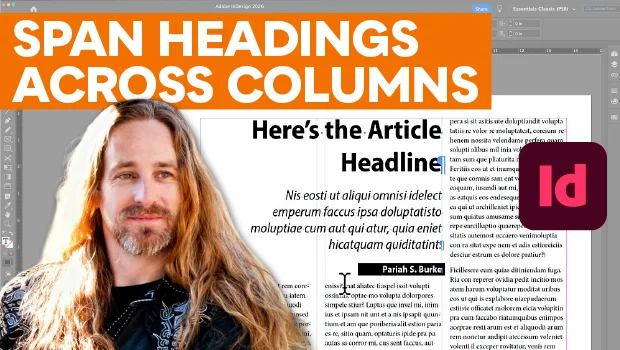
Make Headings Span Across Multiple Columns in InDesign
Master InDesign’s Span Columns feature with Pariah Burke.

Editor’s Picks for The Design + Accessibility Summit 2026
Our Editor in Chief lists his must-see sessions for The Design + Accessibility S...
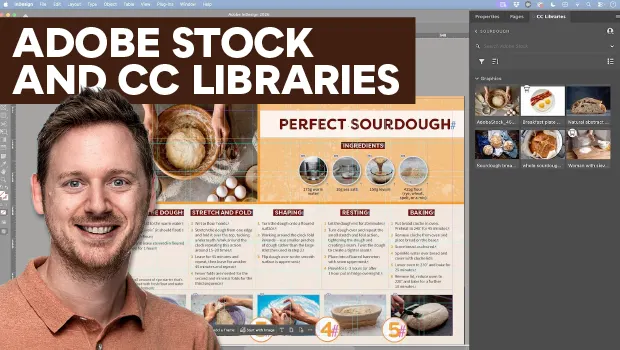
Find Adobe Stock Assets Without Leaving InDesign
Find Adobe Stock assets without ever leaving InDesign!