



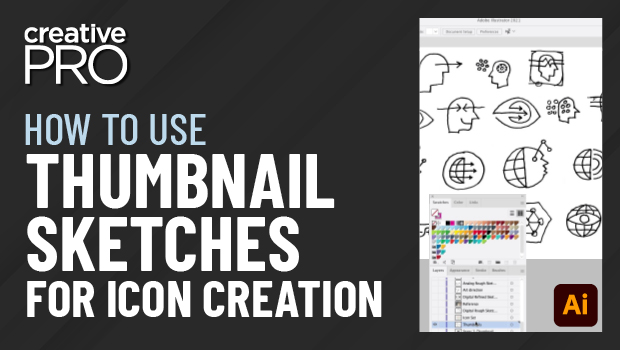
In this Illustrator video, Von Glitschka gives several great pointers on creating and using thumbnail sketches when creating icons (or any vector artwork). From rough sketches to refined ideas to using photo references, he shows that you don’t have to be a great sketch artist to bring your ideas to life.
This video is taken from Von’s “Logos and Icons” session at our Adobe Illustrator Summit.
This article was last modified on August 29, 2025
This article was first published on September 7, 2021
Commenting is easier and faster when you're logged in!

Recommended for you
Making Abstract Line Art in Illustrator
Learn how to create stunning abstract line art effects and apply them in a varie...

Illustrator CC 2018 New Features
Adobe Illustrator CC 2018 brings several exciting enhancements, including Variab...

CreativePro Video: Recolor Artwork with Pantone Swatches
In this week’s CreativePro video, Theresa Jackson shows you how to easily find a...