



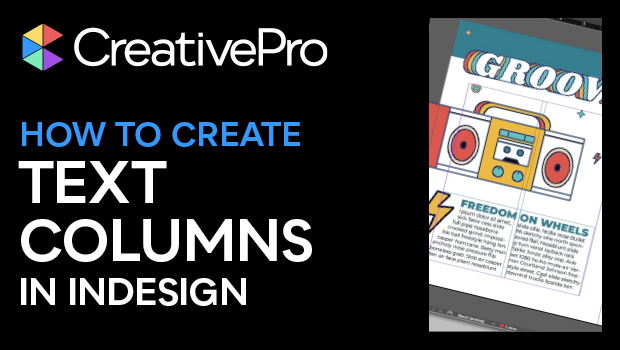
In this InDesign how-to video, Khara Plicanic demos how easy it is to set up text in columns. She quickly shows how having a multi-column frame is often a better option than a series of single-column frames. Khara then explains how to run paragraphs—like a headline—across multiple columns. She even gives a clever way to remember the Text Frame Options keyboard shortcut!
Subscribe to the CreativePro YouTube channel for more helpful design tips!
This article was last modified on August 29, 2025
This article was first published on September 4, 2024
Commenting is easier and faster when you're logged in!

Recommended for you

How to Span and Split Text Across Columns in InDesign
Learn how to make text in InDesign to span across multiple columns in a multi-co...

Make a Table Span Columns in InDesign
Did you know that tables can span multiple columns in a frame? Keith shows you h...
Make Unequal Columns in the Same Frame
InDesignSecrets fan Ken Benson is using multi-columned text frames in an unusual...