



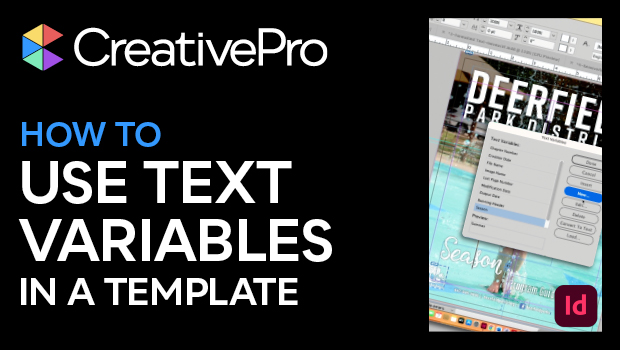
In this InDesign video, Laurie Ruhlin shows how she sets up a text variable with custom text in a template file. She can set placeholders for information that needs to change with each document created from that template. When working on the next iteration, it’s as easy as changing the text in one place to have it change across the document.
This video is an excerpt from Laurie’s “Putting It All Together” session at CreativePro Week.
Subscribe to the CreativePro YouTube channel for more helpful design tips!
This article was last modified on August 29, 2025
This article was first published on July 1, 2024
Commenting is easier and faster when you're logged in!

Recommended for you

Create a Pocket Folder Template in CS5
Keith shows a clever way to create a pocket folder template with the new Page to...

InDesign 101: Saving Your Work
Sandee Cohen covers all the the basics of creating and saving InDesign documents...

Avoiding the InCopy Template Gotcha!
I recently received an e-mail from a client who was taking advantage of InCopy t...