



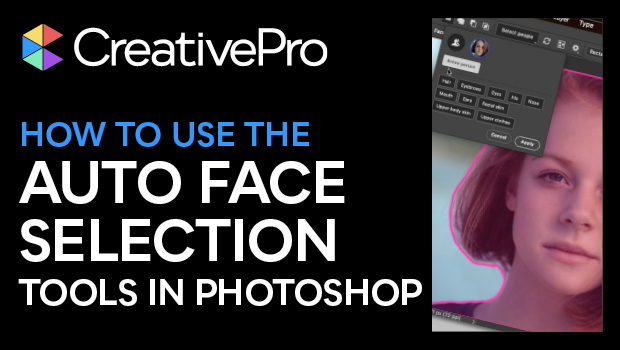
In this Photoshop how-to video, Steve Caplin demonstrates the ability of the Object Selection tool to make adjustments to a model’s headshot. He shows how the tool automatically recognizes the parts of her face and he explains you can also use the Select People button, which has buttons to select individual facial features. Steve is then able to make changes to each part of her image, all without any manual selection.
Subscribe to the CreativePro YouTube channel for more helpful design tips!
This article was last modified on August 29, 2025
This article was first published on June 11, 2025
Commenting is easier and faster when you're logged in!

Recommended for you

Editor’s Picks for The InDesign + Long Documents Summit 2024
Our Editor in Chief lists his four must-see sessions at The InDesign + Long Docu...

Linotype's Arabic Type Design Competition Deadline is Extended to November 11, 2005
Due to public demand, the deadline for receiving applications to the Arabic Type...
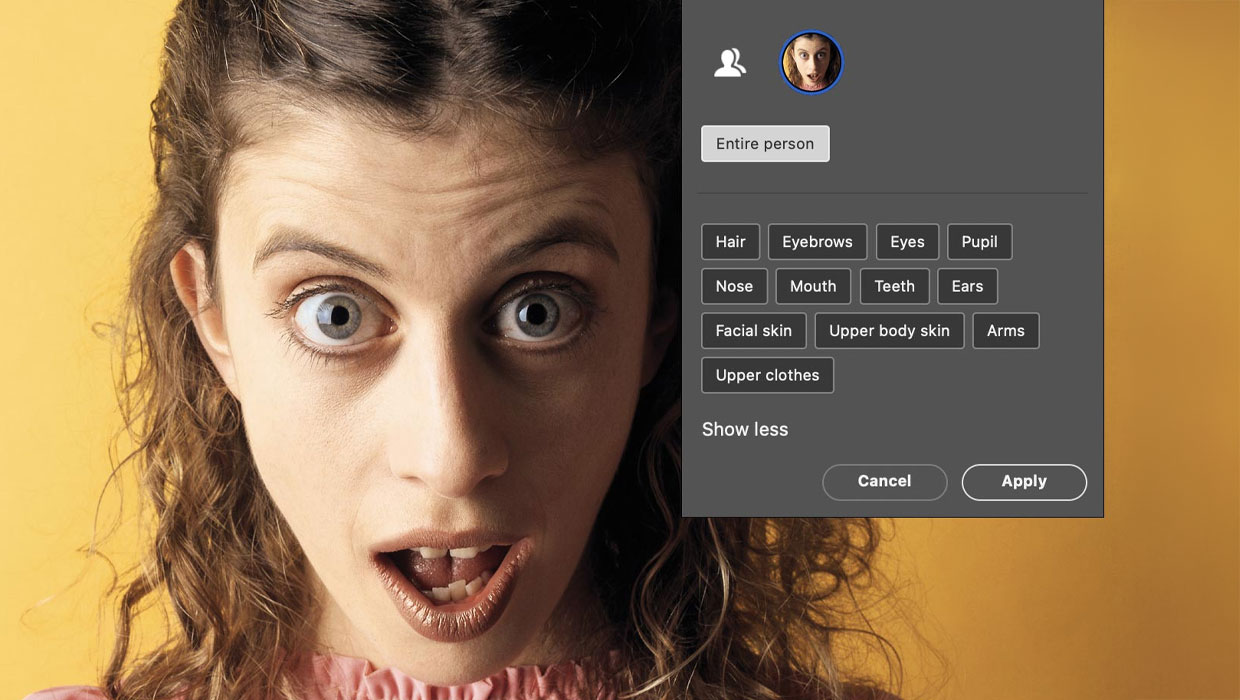
Selecting Body Parts in Photoshop with the Object Selection Tool
Now it's easier than ever to select people, facial features, clothing, or body p...