



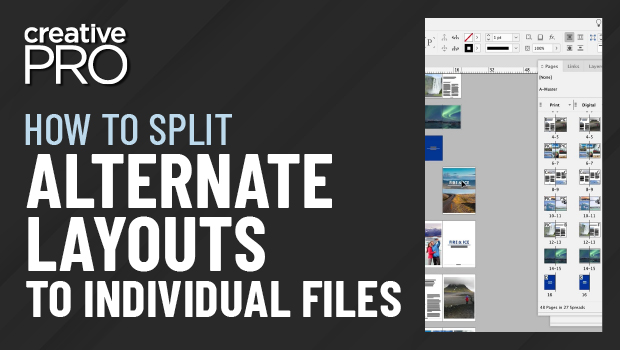
In this InDesign video, Erica Gamet shows off a couple of free scripts that come bundled with the in5 plug-in from Ajar Productions. The first one she shows takes a document with alternate layouts and splits those layouts each into their own separate file. Erica then shows a quick way to create an HTML file that contains all the swatches used, defined in hex colors.
This video is an excerpt from Erica’s “Essential InDesign Scripts” session at CreativePro Week 2021.
This article was last modified on August 29, 2025
This article was first published on March 6, 2023
Commenting is easier and faster when you're logged in!

Recommended for you
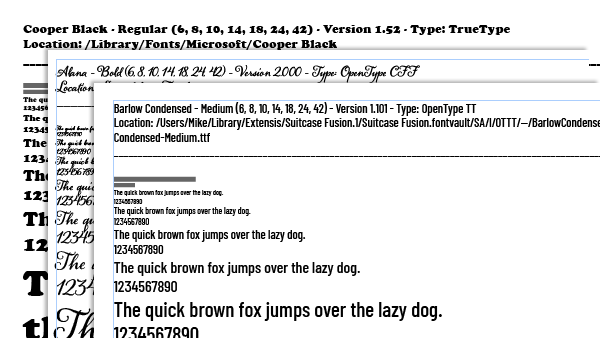
Making a Font Catalog
Back in the day, I was once tasked with creating a font catalog for the publishe...
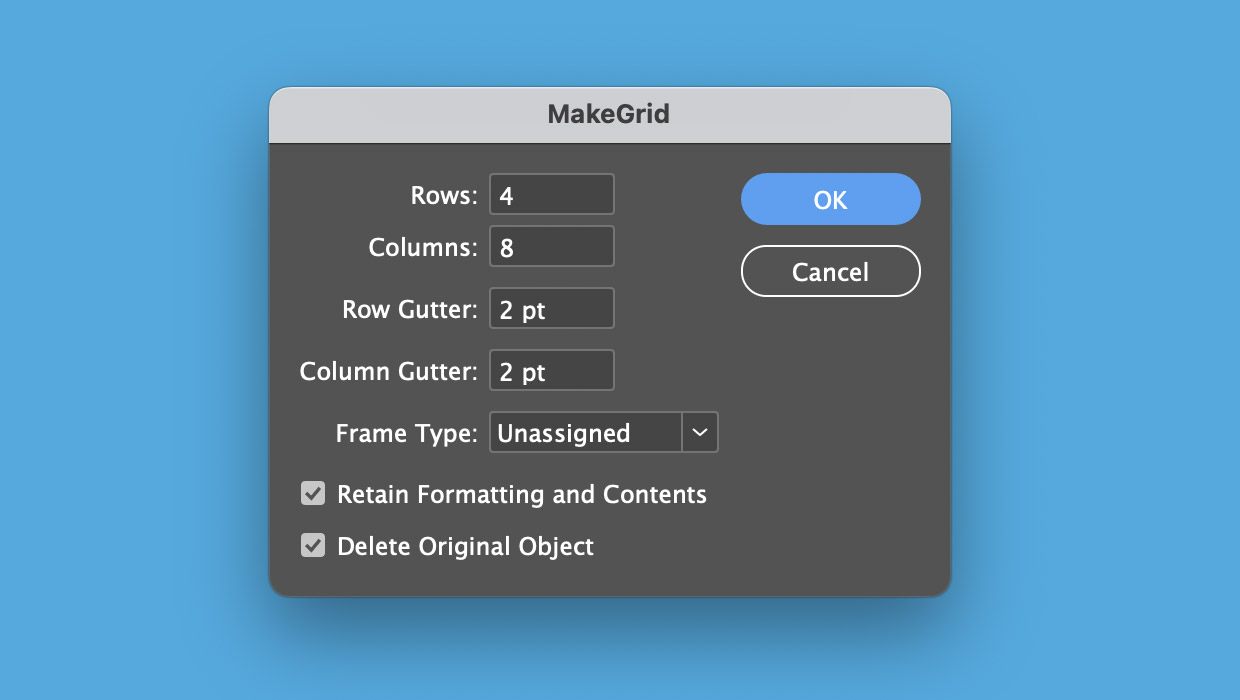
How to Start Using InDesign Scripts
Simple steps to get started running scripts to automate Adobe InDesign

Member-Only Video: Actually, There’s a Script for That
Must-have free and low-cost scripts for InDesign, Illustrator, and Photoshop, as...