




In this Illustrator how-to video, Kat Kremser shows how to use the brand-new Swatch Info feature to create detailed swatch lists for brand guides. She also explores how to add swatch groups to Adobe CC Libraries to use in other Adobe apps or share easily with collaborators.
Subscribe to the CreativePro YouTube channel for more helpful design tips!
This article was last modified on August 29, 2025
This article was first published on July 22, 2025
Commenting is easier and faster when you're logged in!

Recommended for you

A Script to Export SVG Content From InDesign
With the help of a script, and Adobe Illustrator, you can export InDesign conten...

Beware of Special Characters in CC Library Assets
A really nice way to keep vector logos and other frequently used items at your f...
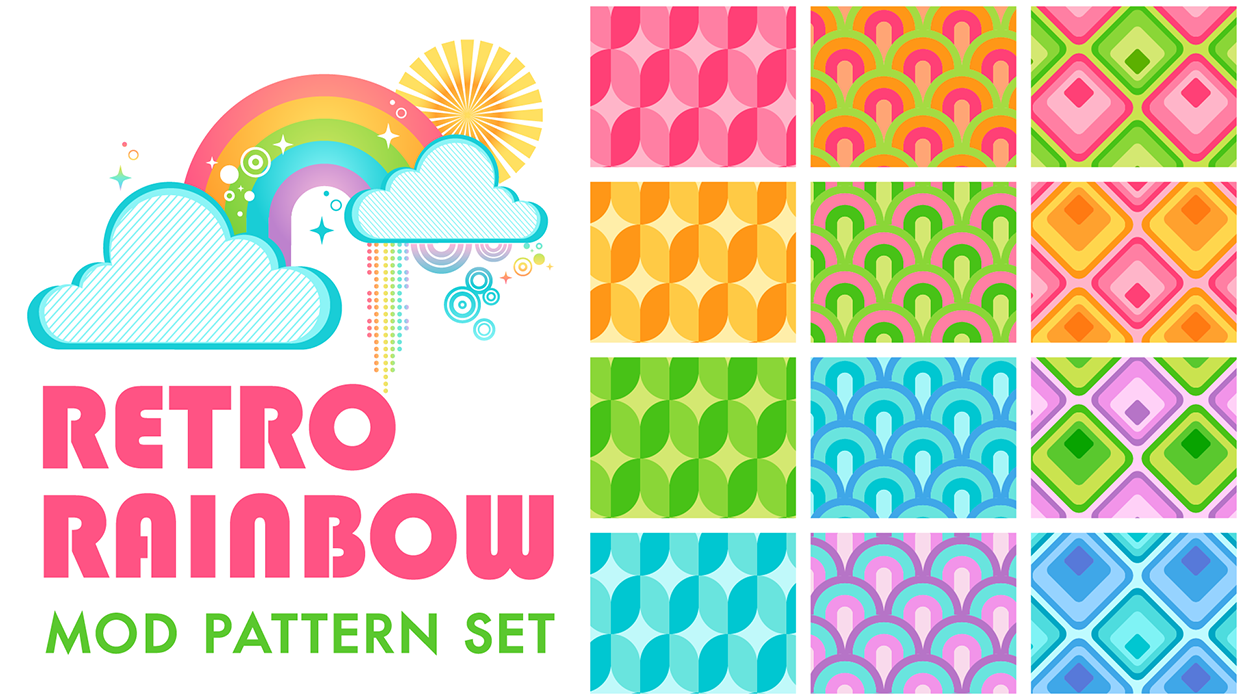
Illustrator Downloadable: Retro Rainbow Pattern Set
Add cheerful colors and shapes to your designs with these Illustrator patterns