




In this short Photoshop video, Khara Plicanic shows us how easy it is to remove a person from a photo. Using the Remove Tool, she makes a quick outline around the person she wants to remove and AI figures out the rest—filling in the background so it’s like they were never there!
Subscribe to the CreativePro YouTube channel for more helpful design tips!
This article was last modified on August 29, 2025
This article was first published on August 8, 2025
Commenting is easier and faster when you're logged in!

Recommended for you
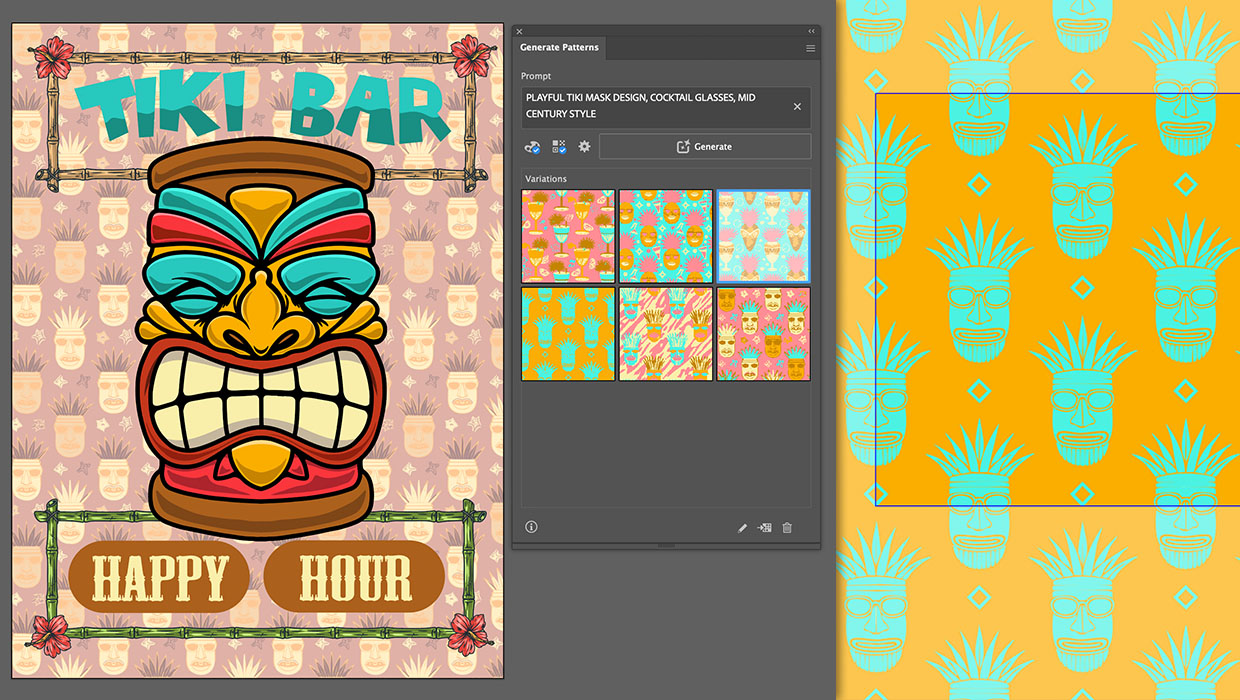
Generating Vector Patterns in Illustrator
Making patterns from prompts opens up a whole new world of creative possibilitie...

Human vs. AI Slide Design
Blend AI's speed with human insight in your presentations with Jody Wissing.
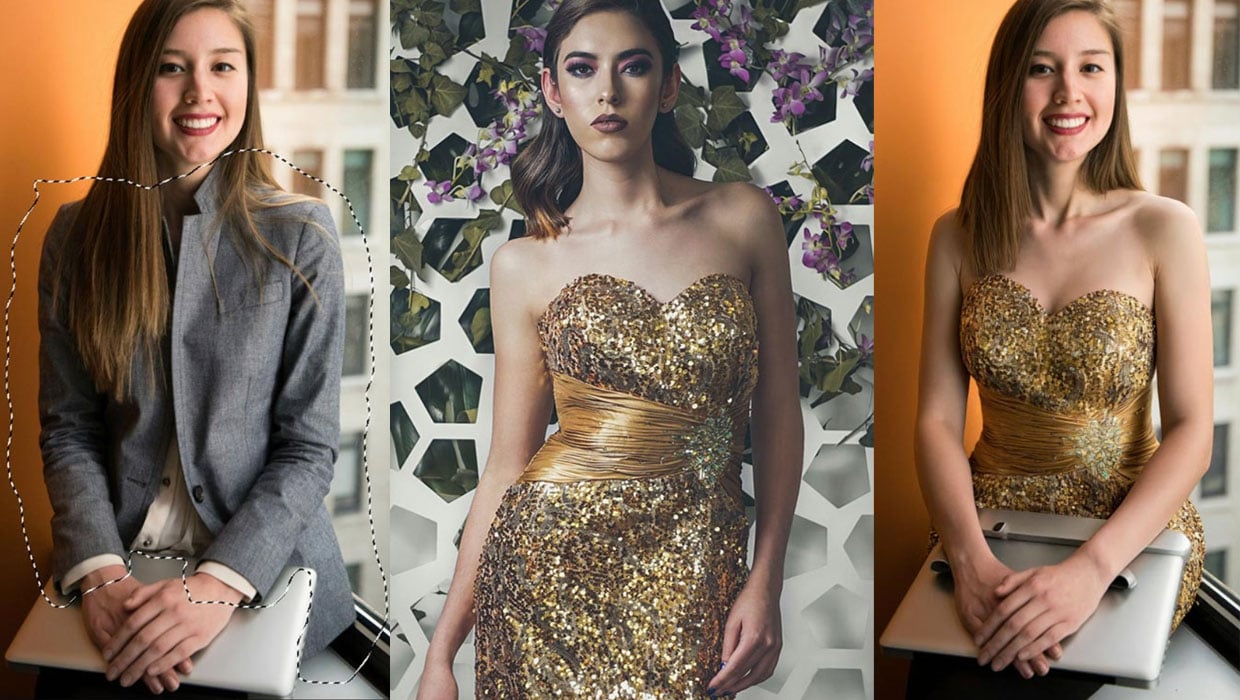
Generating Image Content with Reference Objects in Photoshop
Learn how to replace individual elements within an image using reference objects...