




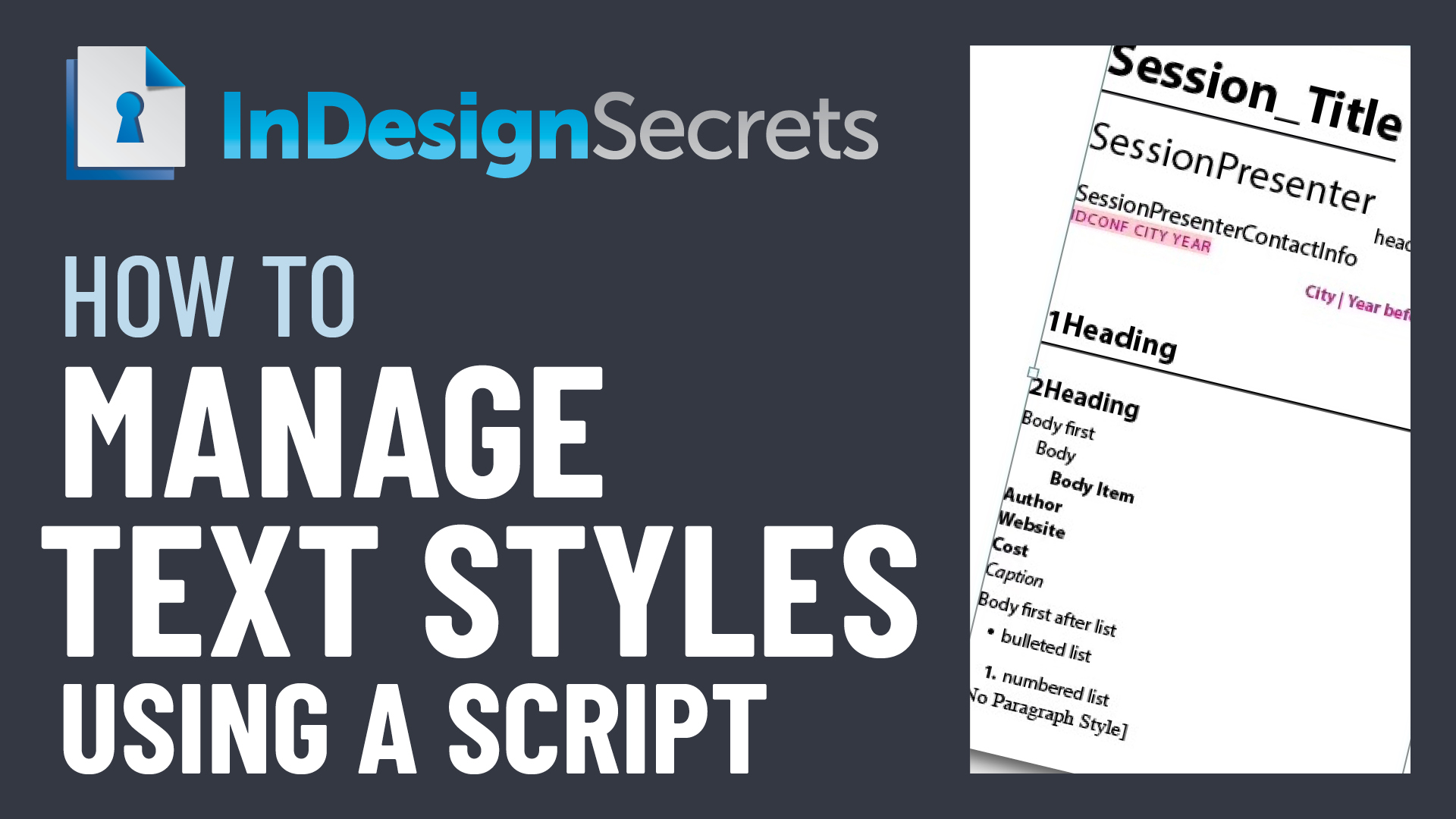
In this CreativePro Week sneak peek video, Julie Shaffer shows how you can quickly format imported data in your InDesign files by using styles wisely. She demos carefully setting up character and paragraph styles, then incorporates them into object styles. Julie then ties all the magic together by applying different looks with just one click.
This video is a preview of Julie’s session at our upcoming CreativePro Week Conference. See the agenda and register now!
Subscribe to the CreativePro YouTube channel for more helpful design tips!
This article was last modified on August 29, 2025
This article was first published on March 24, 2025
Commenting is easier and faster when you're logged in!

Recommended for you

Import Word Files into InDesign, Remove Local Formatting but Keep Italics and Bold
This is a workflow I use almost everytime I import a Word file that someone send...

Why Word Character Styles Won’t Map Cleanly to InDesign Styles
The ability to map Microsoft Word text styles to InDesign styles is an incredibl...
InDesign How-To: Manage Text Styles Using a Script
Learn a out two powerful scripts for working with paragraph and character styles...