




In this InDesign video, Bart Van de Wiele shows an easy way to find images similar to those already in your InDesign layout. Using Adobe Stock, Creative Cloud Libraries, and a sprinkling of AI, he searches for photos that fit the look and feel of his existing ones. Bart then crops an image in his file and does another search based on the area brought into focus.
This tutorial was taken from Bart’s “From Concept to Completion at Lightning Speed” session at our Design + AI Summit 2023.
Subscribe to the CreativePro YouTube channel for more helpful design tips!
This article was last modified on August 29, 2025
This article was first published on December 28, 2023
Commenting is easier and faster when you're logged in!

Recommended for you

Using Adobe Stock with InDesign
Back in June, Adobe launched a new service for Creative Cloud users, Adobe Stock...

Using Text to Image in InDesign
Learn how to leverage Al capabilities in InDesign to generate a selection of ima...
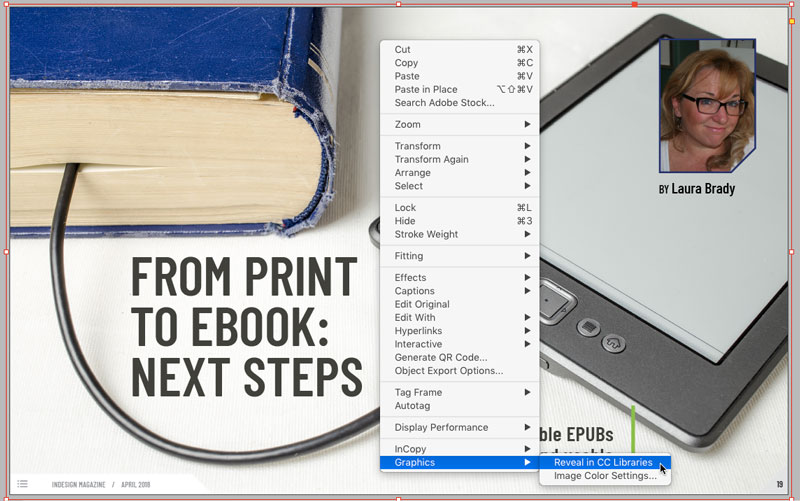
Tip of the Week: Revealing Graphics in CC Libraries
How to quickly locate a graphic placed from Adobe Stock in a CC library item in...