
In this “Three Minutes Max” video, Nigel French shows off a quick way to create an abstract look from a photo. As he says, he uses “no artificial intelligence at all” in this old school trick. It may be a simple operation, but it can create a visually interesting—and often quite colorful—finished image.
Three Minutes Max comes from a fun—yet very competitive—session at our annual CreativePro Week conference. Speakers have three minutes (max!) to wow the audience with the tip and win a prize for a lucky conference attendee.
This article was last modified on August 29, 2025
This article was first published on November 27, 2022
Commenting is easier and faster when you're logged in!

Recommended for you

InDesign How-to Video: Reset a Tint to 100%
In this week’s InDesignSecrets video, Mike Rankin explains how to reset an InDes...
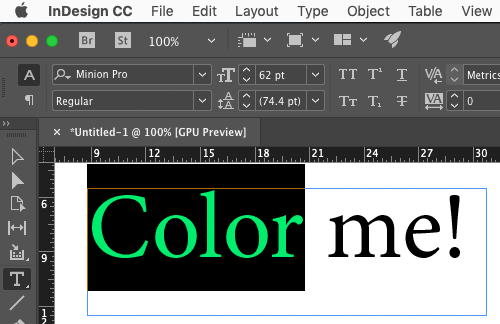
Use Split Window when Applying Colors to Text
How to fix the problem of seeing selected text in inverted colors in InDesign.