



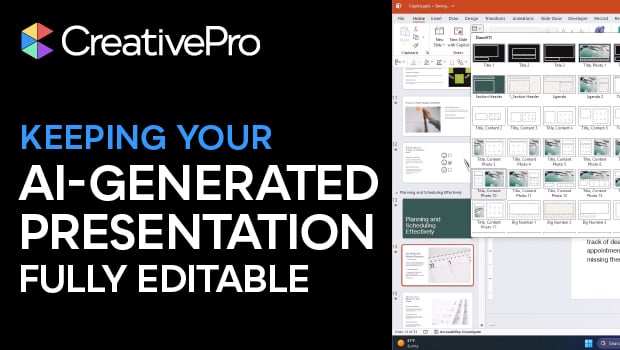
In this presentation design video, Camille Holden warns against generating AI slide decks for clients that aren’t easily editable. Instead, she suggests creating your slide deck in your preferred presentation design software, using any native AI assistant—like Copilot—for help.
Subscribe to the CreativePro YouTube channel for more helpful design tips!
This article was last modified on February 23, 2026
This article was first published on January 6, 2026
Commenting is easier and faster when you're logged in!

Recommended for you
How to Maintain Handouts and Notes in the Same PowerPoint Deck
Learn how to create a single PowerPoint file that serves as on-screen presenter...
BrightSlide: The Essential Add-in for PowerPoint
Learn what you can do with this incredible free add-on for PowerPoint.

How to Give That “Ugly Sweater” Slide a Makeover
Transform ugly PowerPoint slides into merry masterpieces with Jody Wissing!