




In this InDesign how-to video, Bart Van de Wiele shows how to easily pull individual color swatches from one file into another file. There are many ways to bring in swatches, but they often bring in every swatch from a file, or a host of unnecessary items. Bart demos bringing in select swatches only by treating the source file as a color library.
This comes from Bart’s “10 Essential InDesign Productivity Tips” session at CreativePro Week 2021.
This article was last modified on August 29, 2025
This article was first published on June 3, 2022
Commenting is easier and faster when you're logged in!

Recommended for you
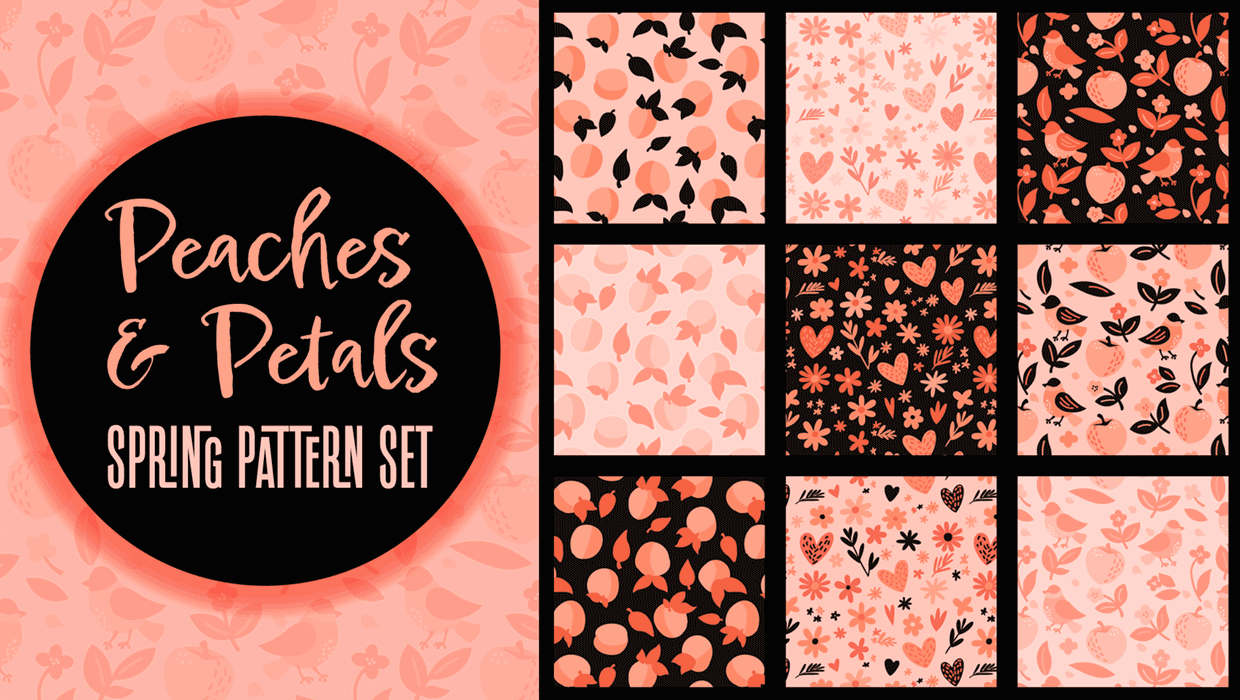
Illustrator Downloadable: Peaches and Petals Pattern Set
Add sweetness and impact to your designs with these Illustrator patterns

Illustrator Downloadable: Jungle Illustration Set
A set lush and leafy vector symbols, frames, and colors.

Illustrator Downloadable: Fall Foliage Art and Frame Set
Reach for these assets when you want to pumpkin spice up your designs.