



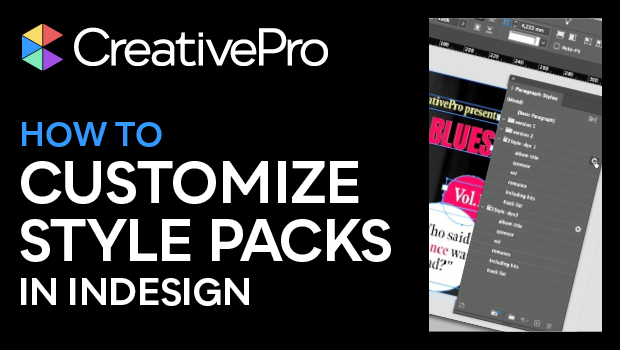
In this “Three Minutes Max” video, Bart Van de Wiele shows how easy it is to switch up InDesign layouts at the touch of a button. Using InDesign’s new Style Packs, he creates separate sets of paragraph styles—using the same names across sets—and is able to swap out an entire layout’s type. This comes in handy whether you’re simply comparing differences or if you need to quickly output different versions for proofing.
Three Minutes Max comes from a fun—yet very competitive—session at our annual CreativePro Week conference. Speakers have three minutes to wow the audience with the tip and win a prize for a lucky conference attendee.
Subscribe to the CreativePro YouTube channel for more helpful design tips!
This article was last modified on August 29, 2025
This article was first published on August 9, 2023
Commenting is easier and faster when you're logged in!

Recommended for you

How to Set Up Caption Frames to Auto-Size in InDesign
Learn how to make caption frames consistent—especially in relation to the images...

Tip of the Week: Using the Book Panel to Preflight Multiple Documents
There are three new Links panel icons in InDesign CC that you'll see when workin...

Add Custom Text at the Beginning of Each Line
When you need to add text to the beginning of each line automatically, this tric...