



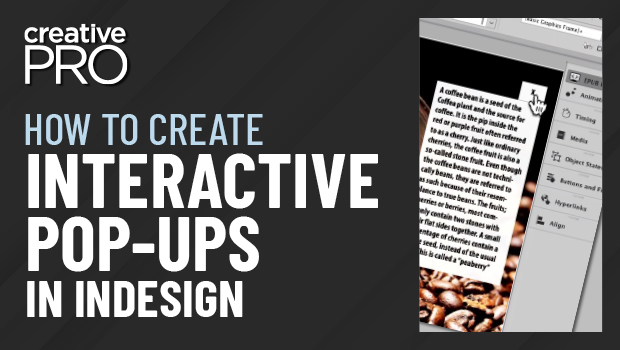
In this InDesign video, Laurie Ruhlin shows how to quickly make a pop-up box—for a photo caption in this example—to be used in an interactive document. By making objects into buttons, she uses the Hide/Show Button action to turn off and on elements as the buttons are selected. This will work when exporting to an interactive format like fixed-layout EPUB, HTML, or Publish Online, as well as PDFs when viewed with a capable reader app.
This video is excerpted from Laurie’s “InDesign Animation and Interactivity” session at CreativePro Week 2022.
This article was last modified on August 29, 2025
This article was first published on November 3, 2022
Commenting is easier and faster when you're logged in!

Recommended for you

dot-font: Czech Mates
dot-font was a collection of short articles written by editor and typographer Jo...
How to Number Rows in an InDesign Table
Here's a quick and easy trick for adding a column of numbers to your table!

Keyboard Shortcuts For Proxy Reference Points in InDesign
Ever wish you could use keyboard shortcuts to change the reference point used to...