



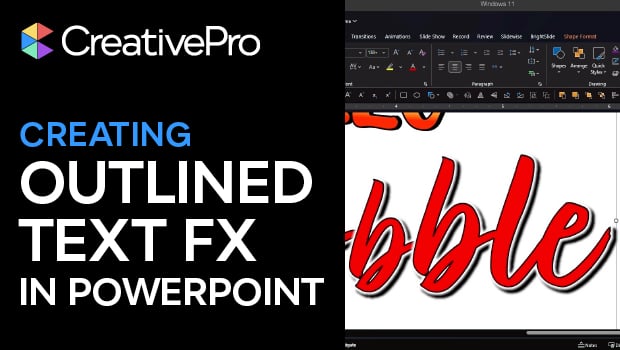
In this PowerPoint how-to video, Stephy Hogan shows off some cool text effects using only the app’s native tools. She walks you through the process of manipulating gradient fills, creating hard-edged shadows, customizing character spacing, and more.
Subscribe to the CreativePro YouTube channel for more helpful design tips!
This article was last modified on March 3, 2026
This article was first published on March 3, 2026
Commenting is easier and faster when you're logged in!

Recommended for you

Make an Image Flow with the Text
"Oh, why can't InDesign behave more like a normal program, like Word?" she said,...

Convert All Text to Outlines When Exporting an EPS File from InDesign
Okay, you’ve been asked to provide your InDesign layout as an EPS file and with...

New Mark Simonson Fonts – New Free Fonts – Font Bros Update
Font Bros is proud to announce the release of two amazing new display fonts by t...