



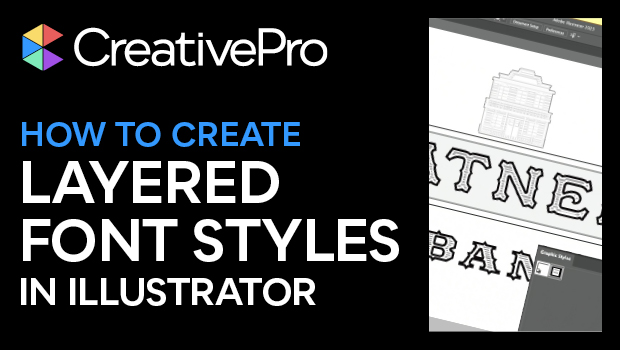
In this Three Minutes Max video, Tony Harmer shows how to create a font style that has the appearance of layered fonts. These fonts often have outline versions, solid versions, and pattern-filled versions that you can “stack” for different looks. Tony has a clever way of creating this look for any font and he even sets up a graphic style to quickly apply to other type in your file.
Three Minutes Max comes from a fun—yet very competitive—session at our annual CreativePro Week conference. Speakers have three minutes to wow the audience with the tip and win a prize for a lucky conference attendee.
Subscribe to the CreativePro YouTube channel for more helpful design tips!
This article was last modified on August 29, 2025
This article was first published on April 11, 2024
Commenting is easier and faster when you're logged in!

Recommended for you
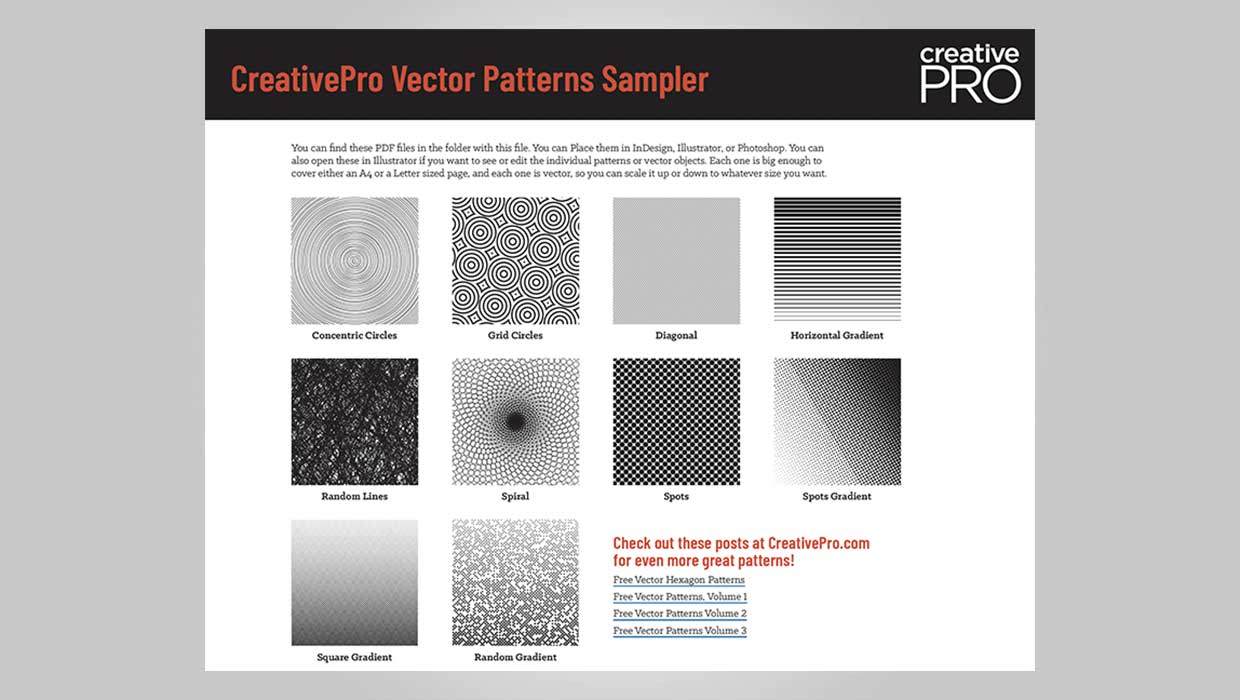
Downloadable: Vector Patterns
61 scalable patterns that you can use in InDesign, Illustrator, or Photoshop

How to Create 3D Objects Quickly in Illustrator
See how easy it is to create great looking 3D objects in Illustrator quickly. Us...

How to Install Scripts in Adobe Illustrator
How to install scripts so you can run them conveniently from within the Adobe Il...